• Press to move to the next frequency up the band (whether or not
a listenable station is located there). Hold for quick movement.
Tune adjust for CD changer (if equipped)
• Press to select the previous
disc in the CD changer. (Play will
begin on the first track of the
disc unless the CD changer is in
shuffle mode. Refer to Shuffle
feature for more information. Hold the control to continue reversing
through the disc.
• Press
to select the next disc in the CD changer. Hold the control
to fast-forward through the remaining discs.
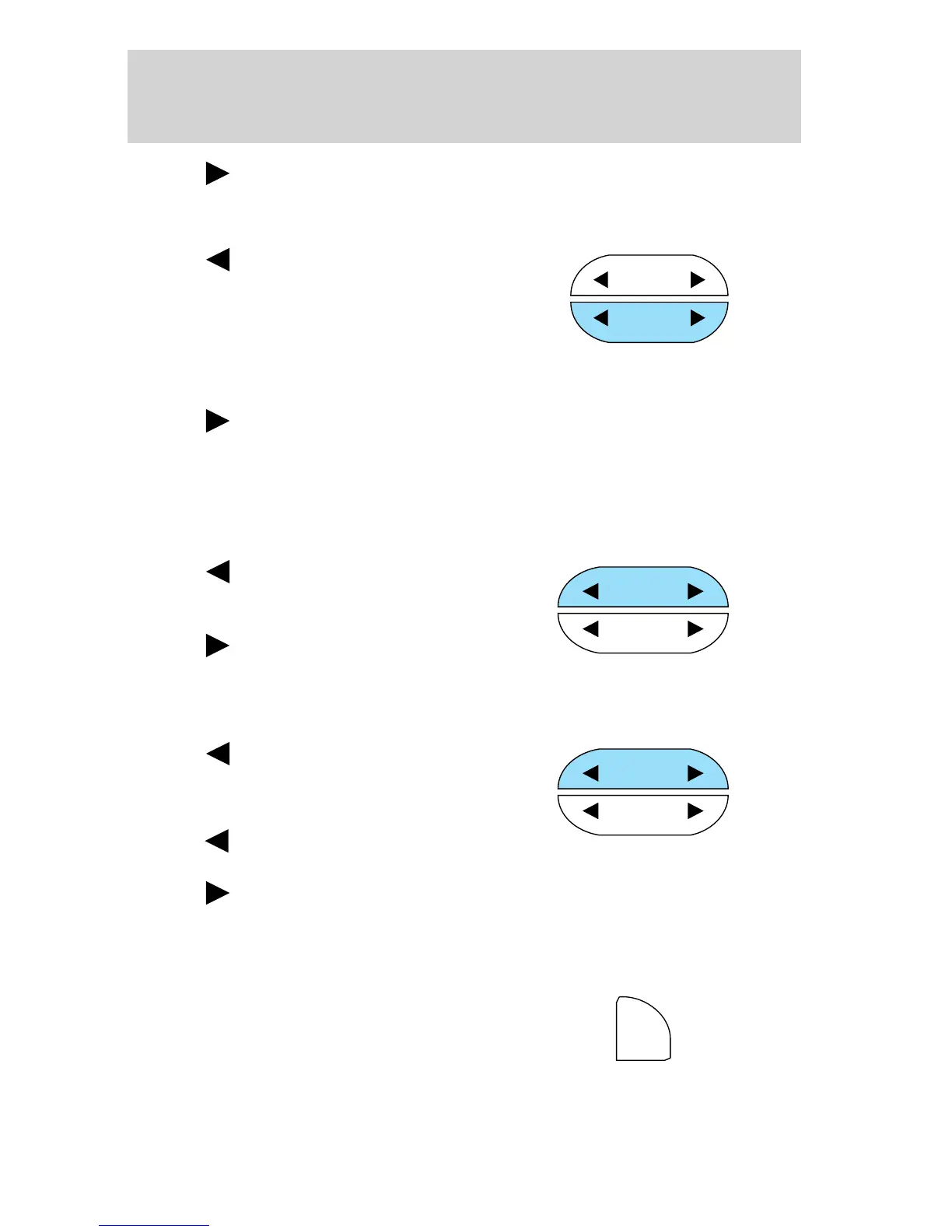
Seek function
The seek function control works in radio or CD mode.
Seek function in radio mode
• Press to find the next
listenable station down the
frequency band.
• Press
to find the next
listenable station up the
frequency band.
Seek function for CD mode
• Press to seek to the previous
track of the current disc. If a
selection has been playing for
three seconds or more and you
press
, the CD changer will
replay that selection from the beginning.
• Press to seek forward to the next track of the current disc. After
the last track has been completed, the first track of the current disc
will automatically replay.
Scan function
The scan function works in radio or
CD mode.
SEEK
TUNE
DISCS
SEEK
TUNE
DISCS
SEEK
TUNE
DISCS
SCN
Controls and features
39



 To Next Page
 Loading...