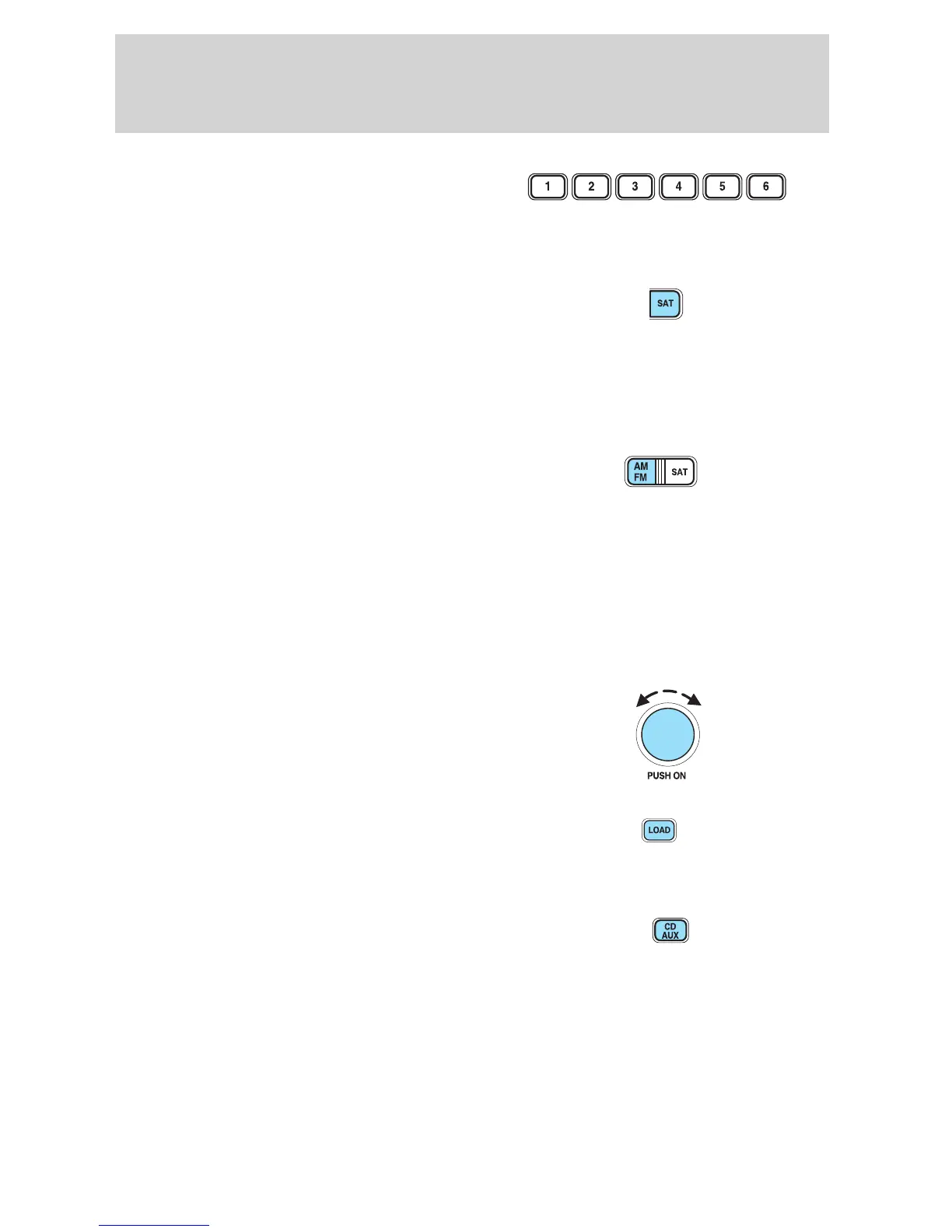
10. Memory presets: To set a
station: Select frequency band
AM/FM; tune to a station, press and
hold a preset button until sound
returns.
11. SAT (if equipped): Your
Audiophile radio comes equipped
with Satellite Ready capability. The
kit to enable the Satellite reception is available through your Ford dealer.
Detailed satellite instructions are included with the dealer installed kit.
Dealer installed satellite kit only available in the continental United
States.
12. AM/FM: Press to select AM/FM
frequency band.
Autoset: Allows you to set the
strongest local radio stations without losing your original manually set
preset stations for AM/FM1/FM2 . Press and momentarily hold AM/FM.
AUTOSET will be shown. When the six strongest stations are filled, the
station stored in preset 1 will begin playing. If there are less than six
strong stations, the system will store the last one in the remaining
presets. Press and hold again to disengage.
13. Power/volume: Press to turn
ON/OFF; turn to increase or
decrease volume levels.
14. Load: Press to load a CD. Press
LOAD and a memory preset to load
to a specific slot. Press and hold to
load up to six discs.
15. CD AUX: Press to access CD or
AUX mode.
2005 Explorer Sport Trac (p27)
Owners Guide (post-2002-fmt)
USA (fus)
Entertainment Systems
26










 To Next Page