System check and vehicle feature customization
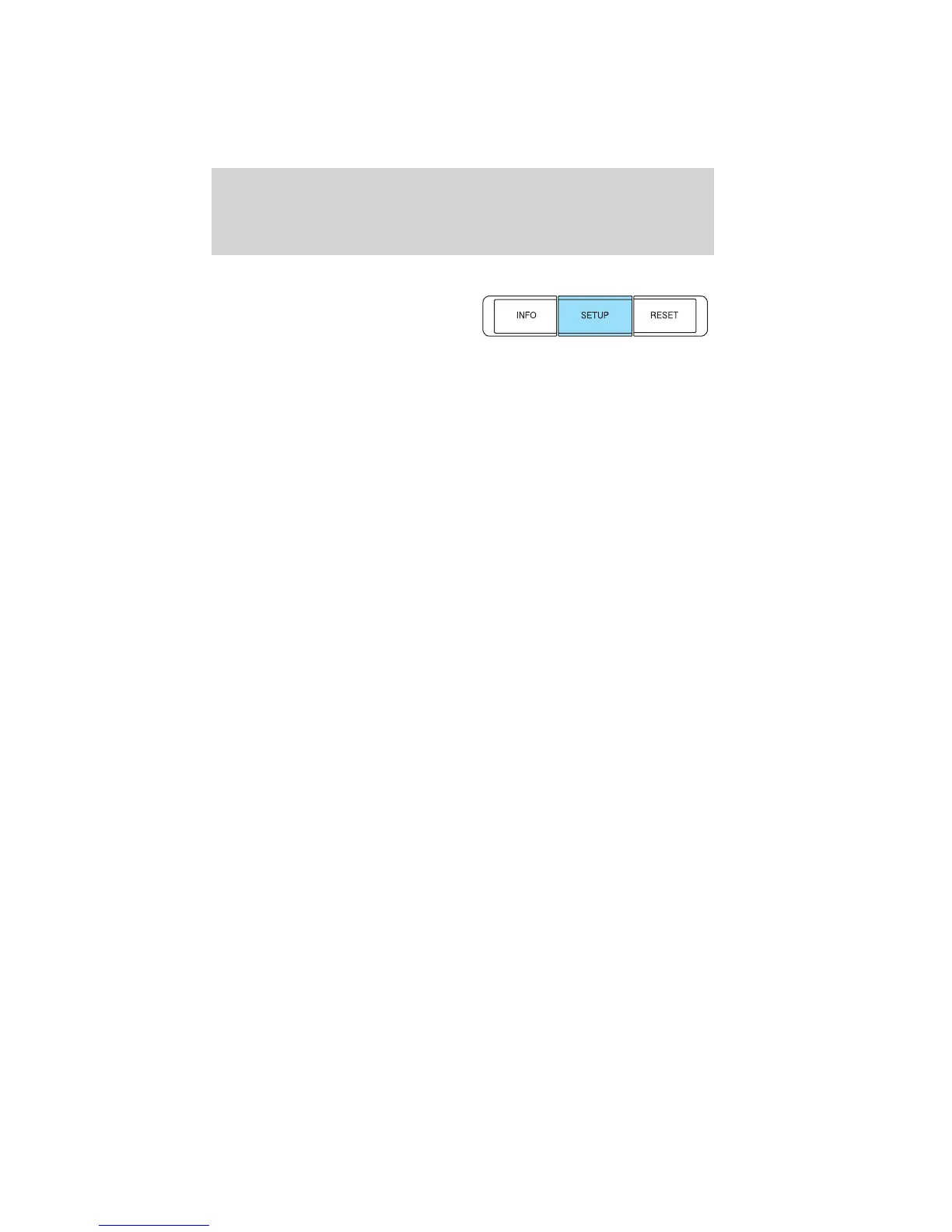
Press the SETUP button repeatedly
to cycle the message center through
the following features:
RESET FOR SYSTEM CHECK
When this message appears, press RESET and the message center will
begin to cycle through the following systems and provide a status of the
item if needed.
Note: Some systems show a message only if a condition is present.
1. OIL LIFE
2. WASHER FLUID LEVEL
3. DOOR AJAR STATUS
4. TRUNK AJAR/CLOSED
5. BRAKE SYSTEM
6. TIRE PRESSURE
7. BLIND SPOT SYSTEM (if equipped)
8. CROSS TRAFFIC SYSTEM (if equipped)
9. FUEL LEVEL
10. MYKEY DISTANCE (if MyKey™ is programmed)
11. MYKEY(S) PROGRAMMED
12. ADMIN KEYS PROGRAMMED
OIL LIFE
This displays the remaining oil life.
An oil change is required whenever indicated by the message center and
according to the recommended maintenance schedule. USE ONLY
RECOMMENDED ENGINE OILS.
To reset the oil monitoring system to 100% after each oil change,
perform the following:
1. Press and release SETUP to display “OIL LIFE XXX% HOLD RESET =
NEW”.
2. Press and hold RESET for two seconds and release to reset the oil life
to 100%.
Note: To change oil life 100% value to another value, proceed to Step 3.
Instrument Cluster
21
2011 Taurus (500)
Owners Guide, 1st Printing
USA (fus)















 To Next Page