To use, press the AST soft key at the bottom of the screen. The display
will read ‘Hold to start autostore’. Continue holding the button until
‘Autostoring’ appears in the display. When the search is complete, the
sound will return and the 10 strongest stations will be stored in the
memory presets (and overwrite any stations previously stored in the AST
band). You can also manually store stations in the AST band. When the
AST band is active, simply tune to the desired station and press and hold
a memory preset. The new station will be saved and will override the
previously saved station.
11. CD: Press to enter CD mode. Use the soft keys to select from
possible on-screen options of play/pause, Rpt (repeat), and Shuff
(shuffle).
12.
/ (Reverse/Fast forward): Press to access the
previous/next track. Press and hold for a fast reverse or advance through
a track.
13.
(Eject): Press to eject a CD.
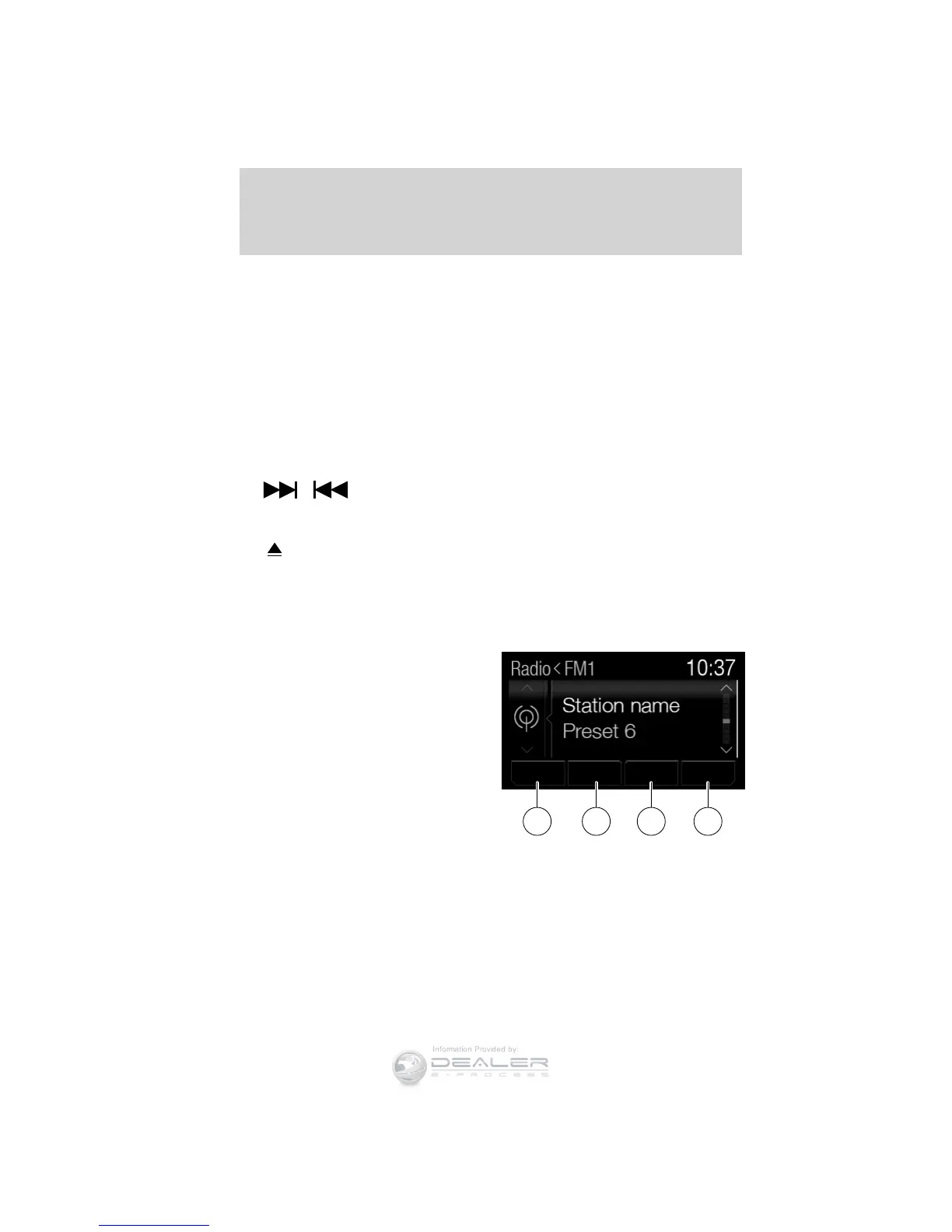
14–17. Soft keys: Press to choose
the corresponding selection (if
available) in the display.
XXX XXX XXX XXX
17 16 15 14
Entertainment Systems
48
2012 Focus (foc)
Owners Guide, 1st Printing
USA (fus)













 To Next Page