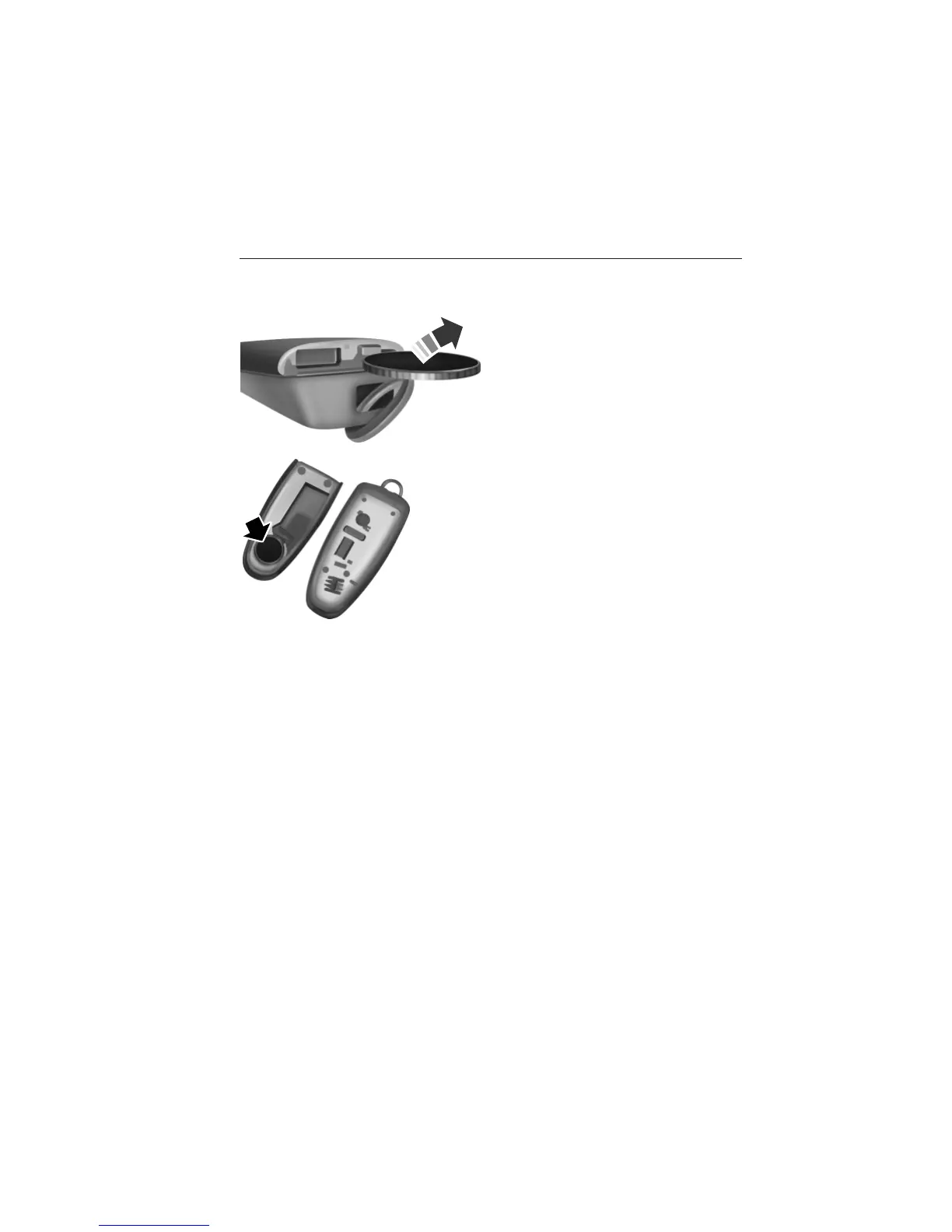
Intelligent Access Transmitter
1. Remove the backup key from the transmitter.
2. Twist a thin coin in the slot
hidden behind the backup key slot
to remove the battery cover.
3. Remove the old battery.
4. Insert the new battery. Refer to the instruction inside the transmitter
for the correct orientation of the battery. Press the battery down to
make sure it is fully in the housing.
5. Snap the battery cover back onto the transmitter and install the
backup key.
Memory Feature (If Equipped)
The feature allows you to recall the driver seat, power mirrors, steering
column (if equipped) and power adjustable foot pedals (if equipped)
memory positions.
Press the unlock button on the remote control or activate intelligent
access (if equipped) to recall memory. The mirrors will move to the
programmed position and the seat will move to the easy entry position.
The seat will move to the final position when the ignition is switched out
of off (if easy entry feature is enabled).
Programming Memory To the Transmitter
1. Move the memory features to the desired positions using the
associated controls.
64 Keys and Remote Control
2013 Explorer (exp)
Owners Guide gf, 2nd Printing
USA (fus)















 To Next Page