USING MYKEY WITH REMOTE
START SYSTEMS
MyKey is not compatible with non
Ford-approved, aftermarket remote start
systems. If you choose to install a remote
start system, see an authorized dealer for
a Ford-approved remote start system.
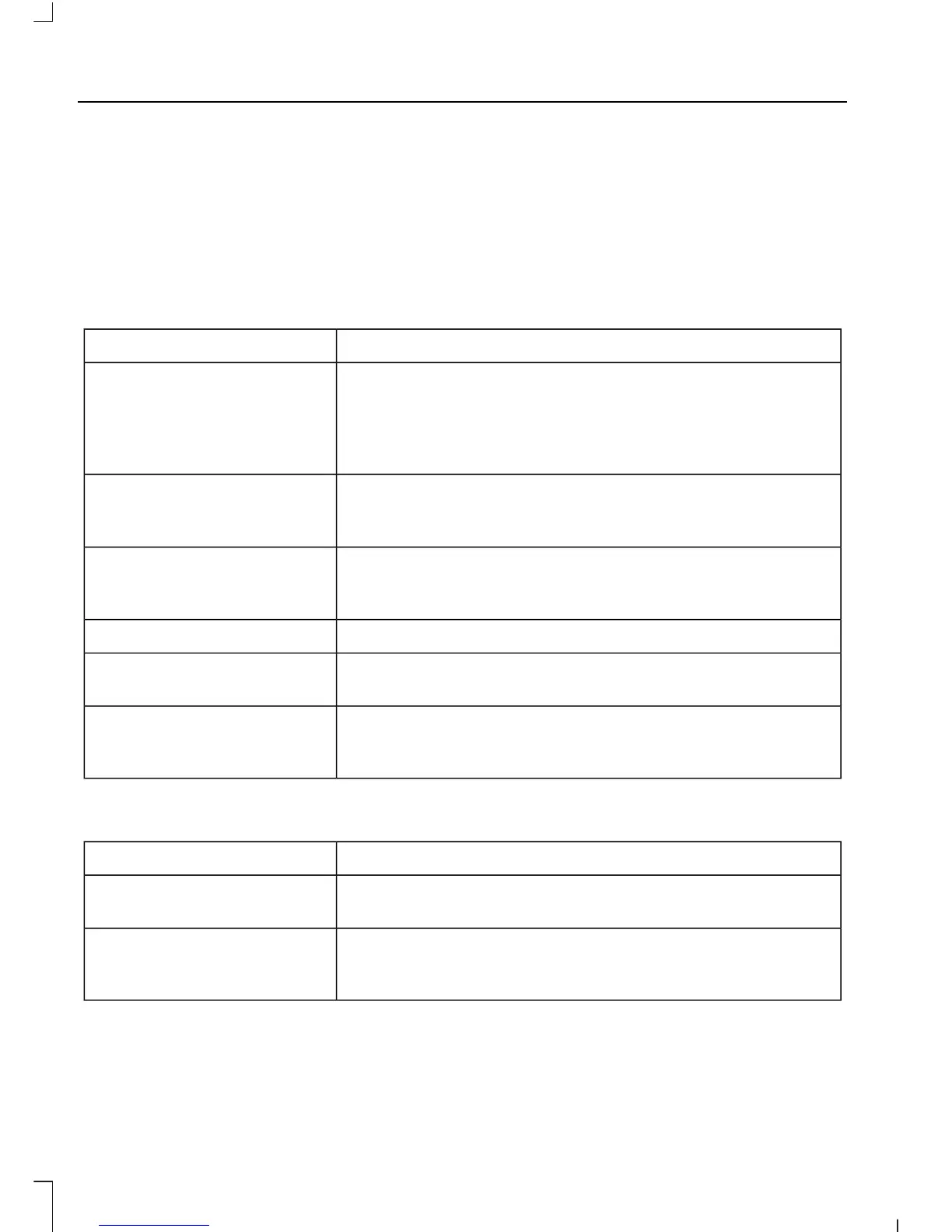
MYKEY TROUBLESHOOTING
All Vehicles
Potential CausesCondition
The key used to start the vehicle is not an admin key.I cannot create a MyKey.
The key used to start the vehicle is the only key. There
always has to be at least one admin key.
The passive anti-theft system is not programmed to your
vehicle. See Passive Anti-Theft System (page 71).
The key used to start your vehicle is not an admin key.I cannot program the
configurable settings. There are no MyKeys programmed to your vehicle. See
Creating a MyKey (page 59).
The key used to start your vehicle is not an admin key.I cannot clear the MyKeys.
There are no MyKeys programmed to your vehicle. See
Creating a MyKey (page 59).
Purchase a new key from an authorized dealer.I lost the only admin key.
Program a spare key. See Passive Anti-Theft System
(page 71).
I lost a key.
The MyKey is not being used by the intended user.The MyKey distance does
not accumulate. The MyKeys have been cleared and the MyKey system has
been reset.
Vehicles With Push-Button Start
Potential CausesCondition
The transmitter is not in the backup position. See Keyless
Starting (page 124).
I cannot create a MyKey.
An admin key is present when you switch the ignition on.There are no MyKey driving
modes. There are no MyKeys programmed to your vehicle. See
Creating a MyKey (page 59).
62















 To Next Page