Using Voice Commands with the
Touchscreen Options
The voice command system has a dual
mode feature which allows you to switch
between using voice commands and
making on-screen selections. This is
available only when the system displays a
list of candidates generated during a voice
command session. For example, this can
be used when entering a street address or
trying to call a contact from a cell phone
paired to the system.
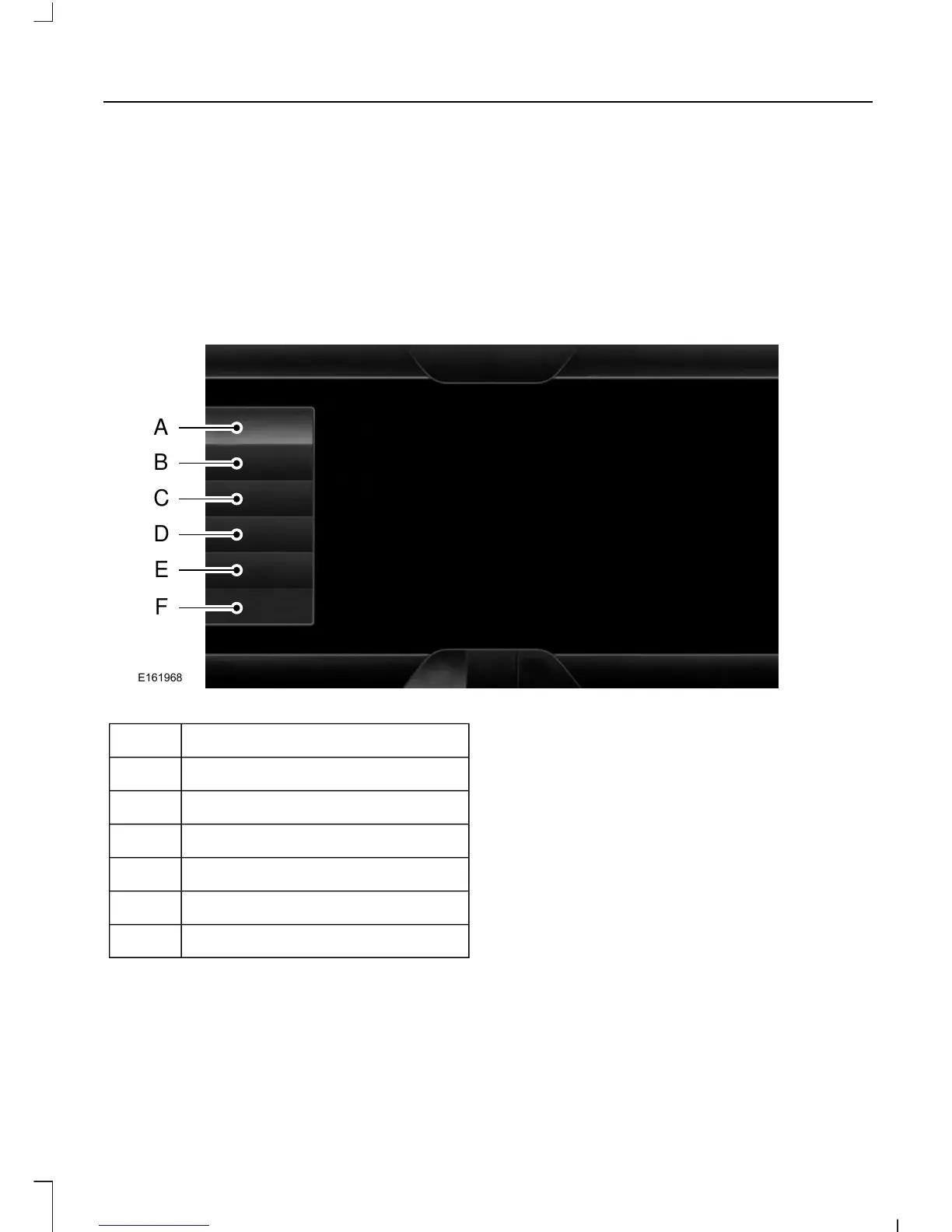
SETTINGS
MessageItem
ClockA
DisplayB
SoundC
VehicleD
SettingsE
HelpF
Clock
Under this menu, you can set the clock,
access and adjust the display, sound and
vehicle settings as well as access settings
for specific modes or the help feature.
395
Fusion/Mondeo (CC7) Canada/United States of America, enUSA, First Printing
MyFord Touch™ (If Equipped)



 To Next Page
 Loading...










