5. Select a setting and press the OK
button.
6. Configure the setting
CLEARING ALL MYKEYS
When you clear all MyKeys, you remove all
restrictions and return all MyKeys to their
original admin key status.
1. Switch the ignition on using an admin
key.
2. Press Settings on the touchscreen.
3. Press Vehicle Settings.
4. Press MyKey.
5. Press Clear All MyKeys.
6. Press Yes.
CHECKING MYKEY SYSTEM
STATUS
You can find information about the
distance traveled using a MyKey, and the
number of admin keys and MyKeys created
for your vehicle.
1. Switch the ignition on.
2. Press Settings on the touchscreen.
3. Press Vehicle Settings.
4. Press MyKey.
5. Press MyKey Information.
USING MYKEY WITH REMOTE
START SYSTEMS
MyKey is not compatible with unapproved,
aftermarket remote start systems. If you
choose to install a remote start system,
see an authorized dealer for an approved
remote start system.
MYKEY – TROUBLESHOOTING
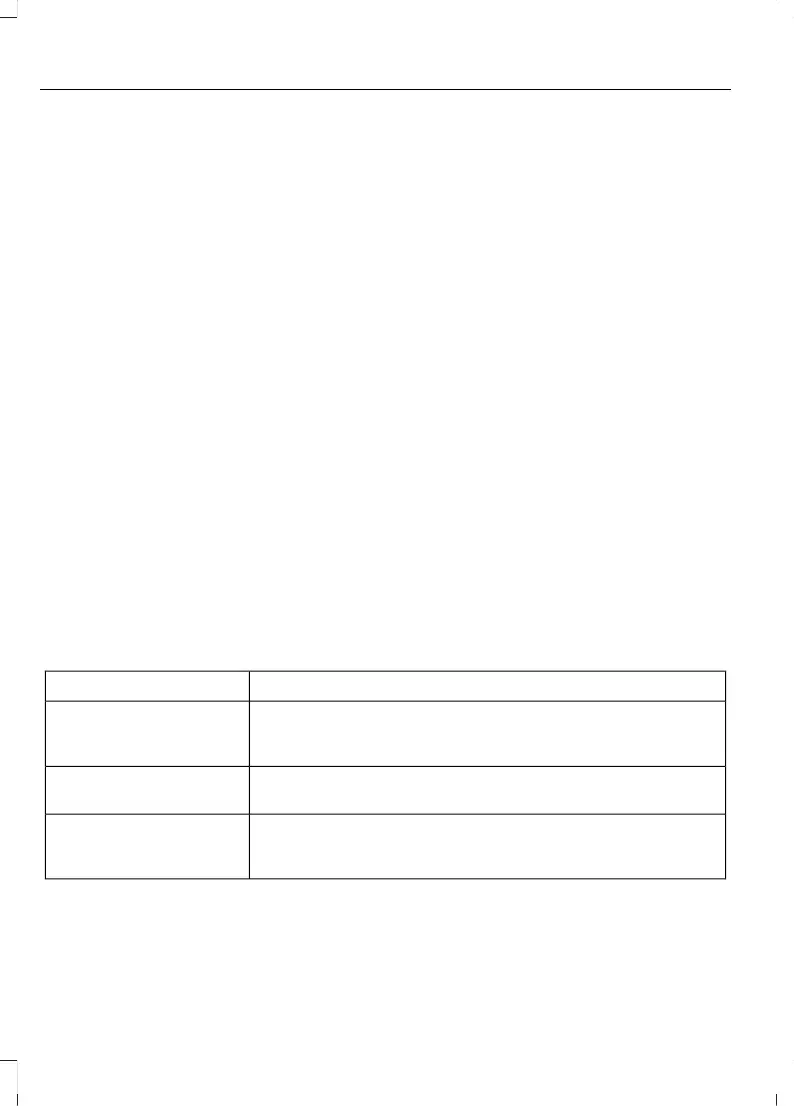
MyKey – Information Messages - Vehicles With: Push Button Start
DescriptionMessage
Displays when trying to create a MyKey and the admin key is
not placed in the backup position. See Creating a MyKey
(page 65).
Place Key in Backup
Location
Displays when trying to create a MyKey with a key already
designated as a MyKey.
Key is Already a MyKey
Displays to confirm that the key is restricted after you switch
the ignition off.
This Key restricted at
Next Key Cycle. Label
Key as MyKey
66
Escape (CTC) Canada/United States of America, Vehicles Built From: 02-11-2020, enUSA, Edition date: 202011, First-Printing
MyKey™



 To Next Page