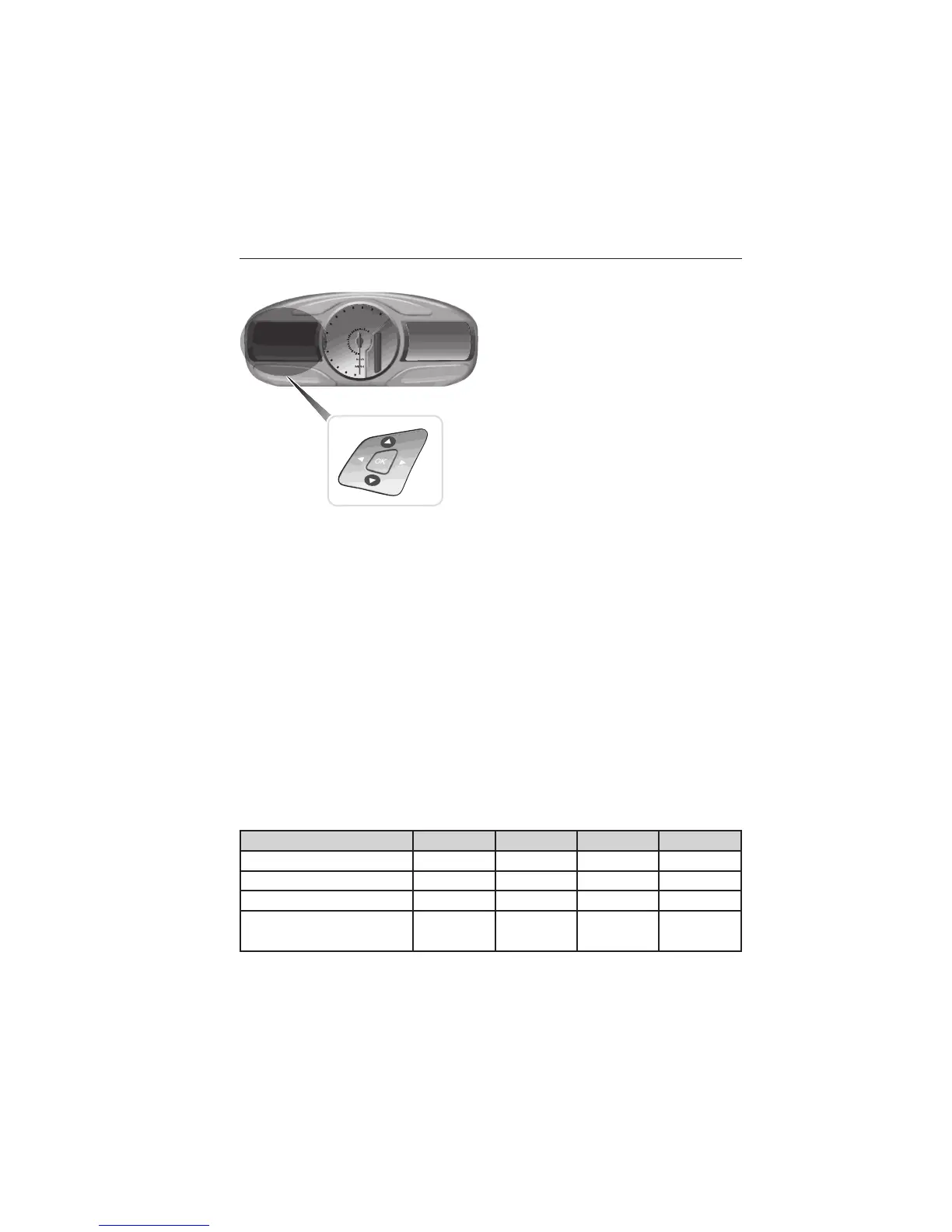
Information Display Controls (Type 2)
• Press the up and down arrow
buttons to scroll through and
highlight the options within a
menu.
• Press the right arrow button to
enter a sub-menu.
• Press the left arrow button to exit
a menu.
• Press the OK button to choose
and confirm a setting/messages.
The menu travel icon in the upper left corner displays the available
button options.
Main menu
From the main menu bar on the left side of the information display, you
can choose from the following categories:
• Display Mode
• Trip1&2
• Fuel Economy
• Driver Assist
• Settings
Scroll up/down to highlight one of the categories, then press the right
arrow key to enter into that category. Press the left arrow key as needed
to exit back to the main menu.
Display Mode
Use the left/right arrow buttons to choose the following display options.
Display mode †Option 1 Option 2 Option 3 †Option 4
XXX mi (km) to empty X
Bar tachometer X X
Round tachometer X X
Engine coolant temp
gauge
X
128 Information Displays
2015 Explorer (exp)
Owners Guide gf, 2nd Printing, September 2014
USA (fus)















 To Next Page