6
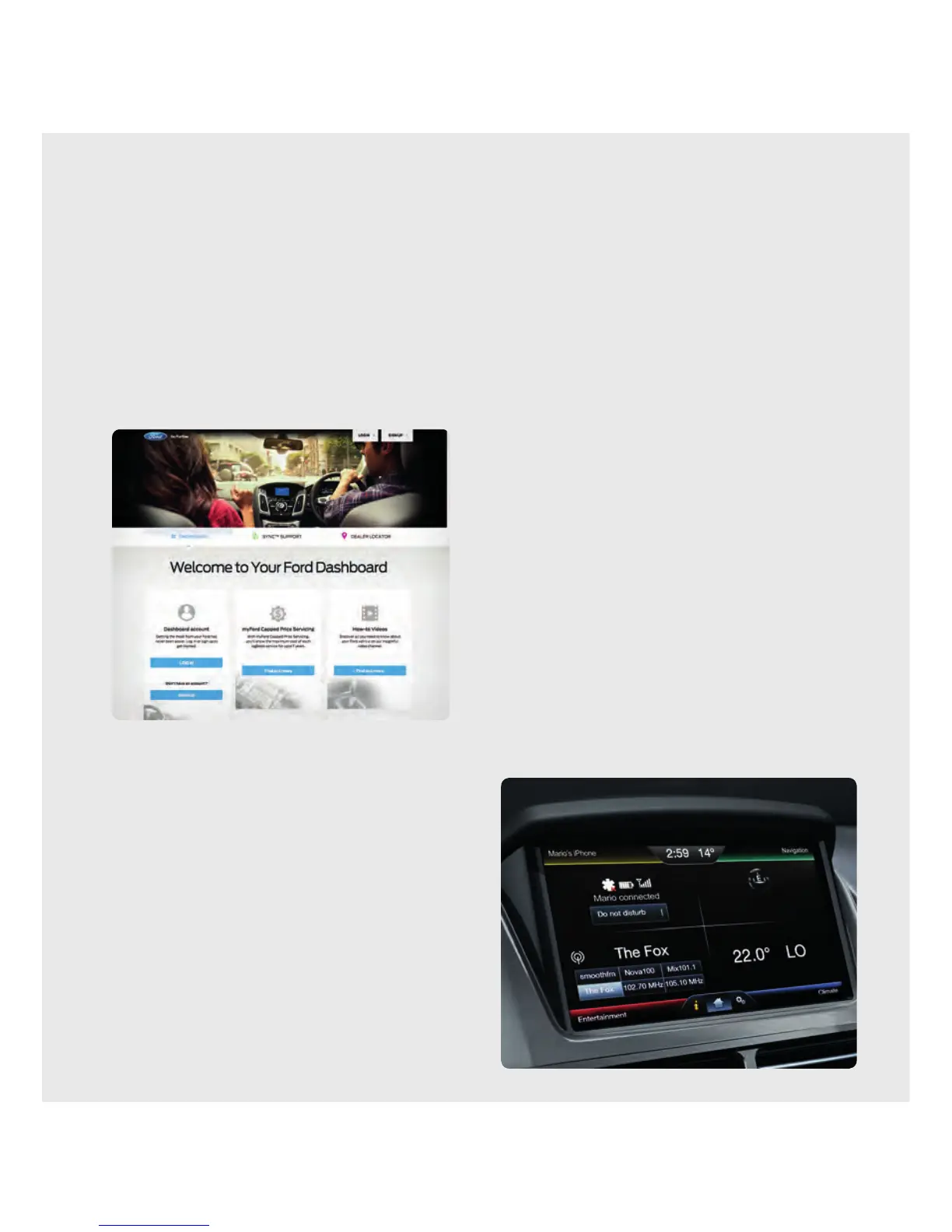
Set up your owner account
Learn more about how SYNC
®
2 works, discover how
to personalise your experience, get support when you
need it and much more.
1. Go to www.ford.co.nz/owner
2. Select Dashboard Account > Sign up
3. Follow the on-screen instructions
Pair your phone
To optimise the performance of your Bluetooth
®
,
1
ensure that you have the latest so ware installed
on your device and that your phone is compatible
with SYNC
®
2.
2
Pairing is what allows Bluetooth
®
devices to
communicate with each other securely. It can only
be done when the vehicle is not in motion.
1. Make sure that your vehicle is in (P) Park and both
your ignition and radio are turned on.
2. If no phone has been previously paired, touch
PairPhone. If another phone is to be added, touch
Connect a Phone and Add Device.
“Find SYNC
®
2” will appear on the screen, and instructs
you to begin the pairing process from your device.
3. Make sure that Bluetooth
®
is set to on and your
mobile phone is in the pairing mode:
– A message will appear on the touch screen
indicating that your device is trying to pair with
SYNC
®
2. A 6-digit pin will appear on your device.
– If your device does not support secure
simple pairing, you will have to enter the pin
manually. Search for devices on your mobile
phone until your phone finds SYNC
®
2.
Then, select SYNC
®
2 and add the 6-digit
pin displayed on the touch screen.
4. When prompted on your phone’s display,
confirm that the pin provided by SYNC
®
2 matches
the pin displayed on your mobile phone.
5. The display will indicate when the pairing
issuccessful.
6. Confirm voicemail number set Auto Phonebook
Download to on and touch Apply.
7. A message will appear on your phone requesting
access to your messages and Contacts. Select OK.
1. Bluetooth is a registered trademark of Bluetooth SIG Inc. and is used under licence. Some phones not compatible. 2 Refer to phone compatibility list on
www.ford.co.nz/owner.
GETTING STARTED
Begin with the most important things that will optimise your experience.



 To Next Page
 Loading...