QuickGuide | SYNC
®
2
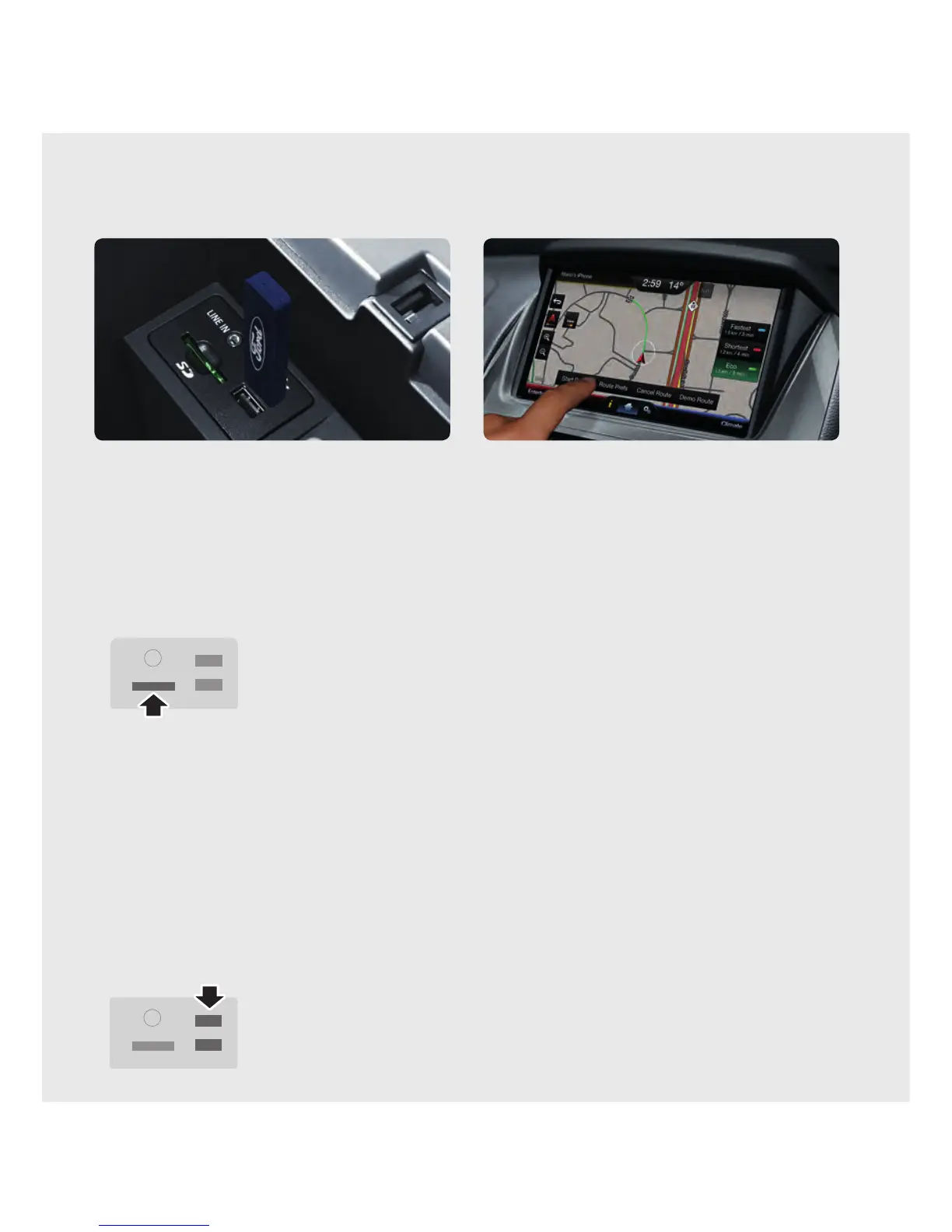
Insert SD card for Navigation (if equipped)
1. In vehicles fi tted with the Navigation feature,
an SD card is supplied that contains the maps
2. Ensure that the SD card is inserted into the media
hub located in the centre console.
3. Navigation features will only work if the SD card is
properly installed .
Set up your digital media player
1. Connect your device to the USB port.
2. Touch the Voice button and say “USB.”
3. Wait until indexing is fi nished to gain complete voice
control. (Depending on how many digital media files
are on your connected device, the screen may display
Indexing until the indexing function is completed).
4. You will then be taken to the Play menu.
5. Say “Play track <name of song>.”
Set my home for Navigation (if equipped)
You can set home as the nearest intersection
to ensure privacy or your specific home address.
Make sure the vehicle is in Park first.
1. Touch Dest. on the Navigation corner.
2. Touch My Home and answer Yes to the
“Home address empty. Add it now?” prompt.
3. Touch either (i) Address or (ii) Junction, and you
can begin to input the desired information:
(i) where address chosen - use the keyboard
and enter the city/suburb, street and number.
Touc h Go to save this address as My Home.
(ii) use the keyboard to enter the city/suburb,
the fi rst street and the second street. My Home
will be automatically saved.
4. For both selections, My Home appears as an entry in
the Favourites screen when fi nished.
Set your radio presets
Refer to the Entertainment section of this guide.



 To Next Page