8
Make and receive calls
1. Press the Voice button on the steering wheel
to make a call, then say “Call <say name exactly as in
phonebook>” or “dial <desired number>.”
2. To receive a call, press the Phone button
on
the steering wheel or accept using the green phone
icon on the touch screen.
3. To end a call, press and hold the Phone button for
at least 2 seconds.
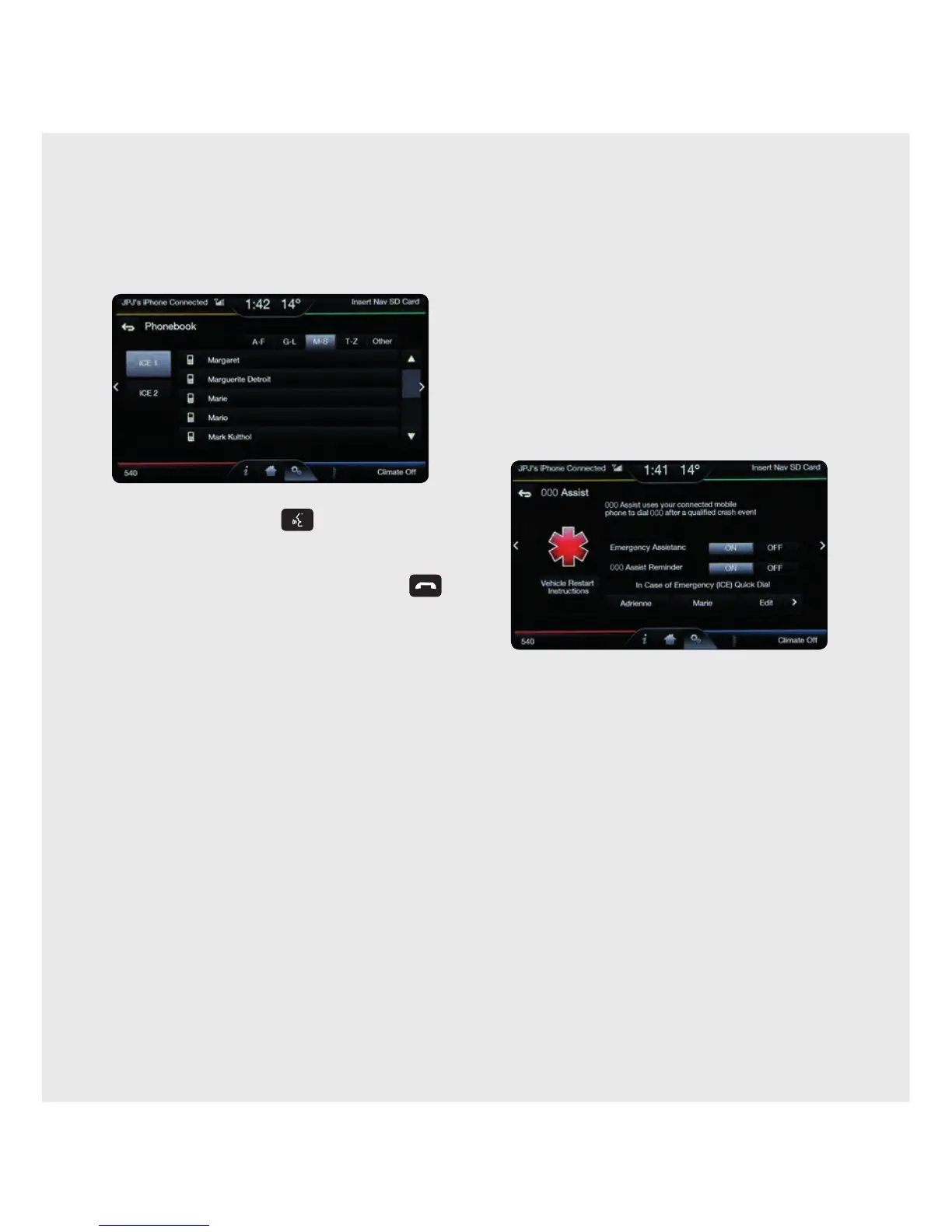
4. Browse your Phonebook in the phone menu.
Confirm your contacts have been downloaded to
SYNC
®
2. Remember to say the contact name just
as it is listed.
Text messages
• Text messages can be received and viewed
(if under 5 km/hour) or SYNC
®
2 can read the
message out to you at any time.
When the message arrives, an audible tone sounds and
the screen displays a pop-up menu. You can then select
to view, listen, dial or ignore via the screen or voice.
• Text messages can be composed and sent
(if under 5 km/hour) or preset texts can be sent via
voice at any time.
Note: some phones don’t support this feature of SYNC
®
2.
(Refer to phone compatibility list on ford.co.nz/owner).
Do more
Your phone connects you with many other features:
• Tra ns fe r calls seamlessly from SYNC
®
2 to phone as
you get into or out of your vehicle.
• Do Not Disturb feature: In the home screen, touch
Do Not Disturb from the Phone corner to divert
incoming calls to voicemail and suppress ringing
from calls and texts.
Updating Phone Firmware/So ware
When updating firmware/so ware on the phone or
adding many contacts to the Phonebook, it may be
necessary to do a “clean” pairing with SYNC
®
2.
• Delete SYNC
®
2 from the phone and the vehicle.
• Re-pair the phone to SYNC
®
2.
PHONE
Voice-control your phone for hands-free calling with your phone securely put away. With SYNC
®
2, you won’t even
need to dial the phone number. Just say the name of the person you want from your Contacts.



 To Next Page
 Loading...