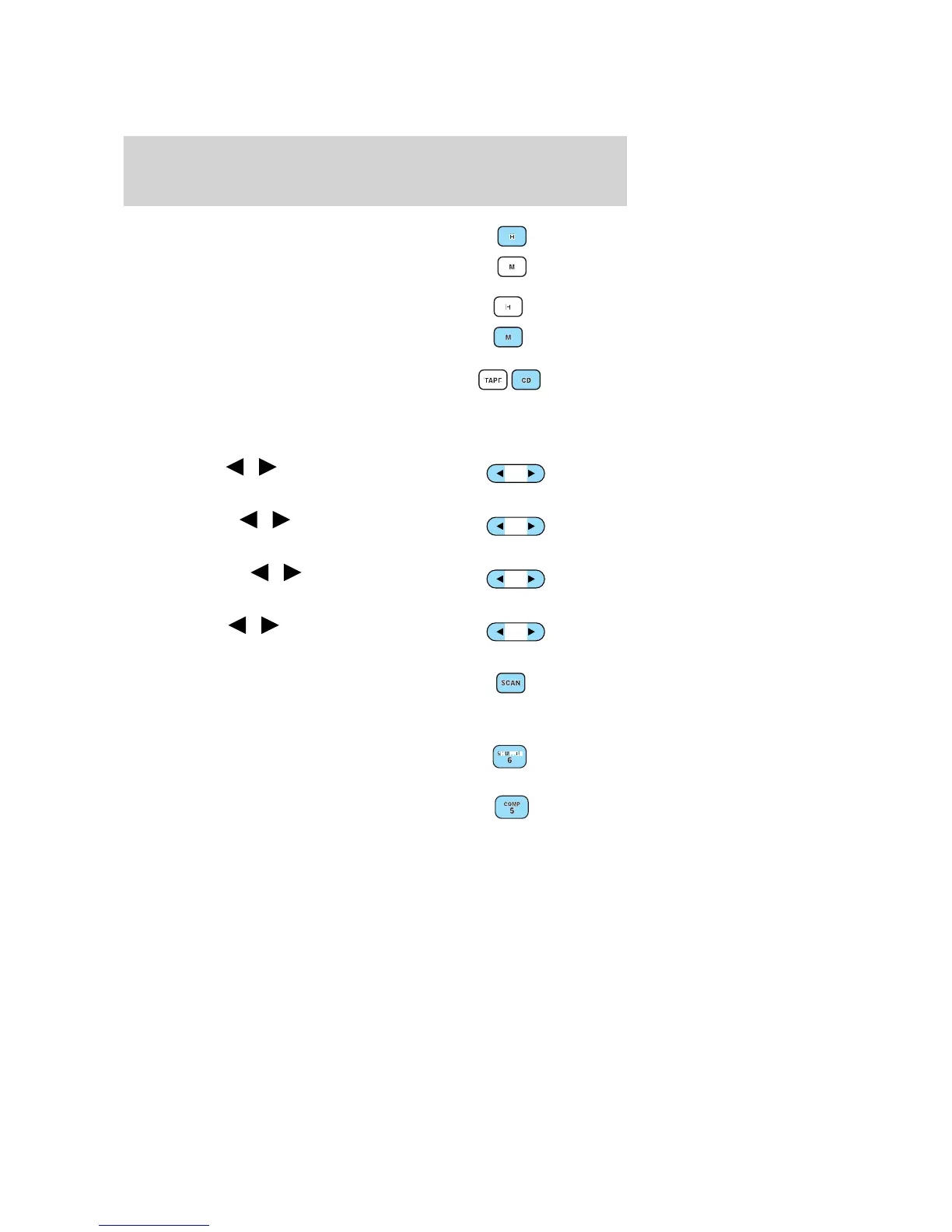
2. Clock: To set the hour, press and
hold the H control. When the
desired hour appears, release the
control.
To set the minute, press and hold
the M control. When the desired
minute appears, release the control.
3. CD: Press to play the CD (if
equipped).
Note: This system is CDDJ
compatible, but CDDJ is an option with limited availability as defined in
the order guide.
4. Bass: Press
/ to
decrease/increase the bass output.
5. Treble: Press
/ to
decrease/increase the treble output.
6. Balance: Press
/ to shift
sound to the left/right speakers.
7. Fade: Press
/ to shift
sound to the rear/front speakers.
8. Scan: Press SCAN to hear a brief
sampling of all listenable radio
stations, tape or CD selections.
Press again to stop.
9. Shuffle: Press to play CD tracks
in random order.
10. COMP (compression): While
playing a CD, press to bring soft and
loud passages together for a more
consistent listening level.
BASS
TREB
BAL
FADE
2004 Taurus (tau)
Owners Guide (post-2002-fmt)
USA English (fus)
Entertainment Systems
17















 To Next Page