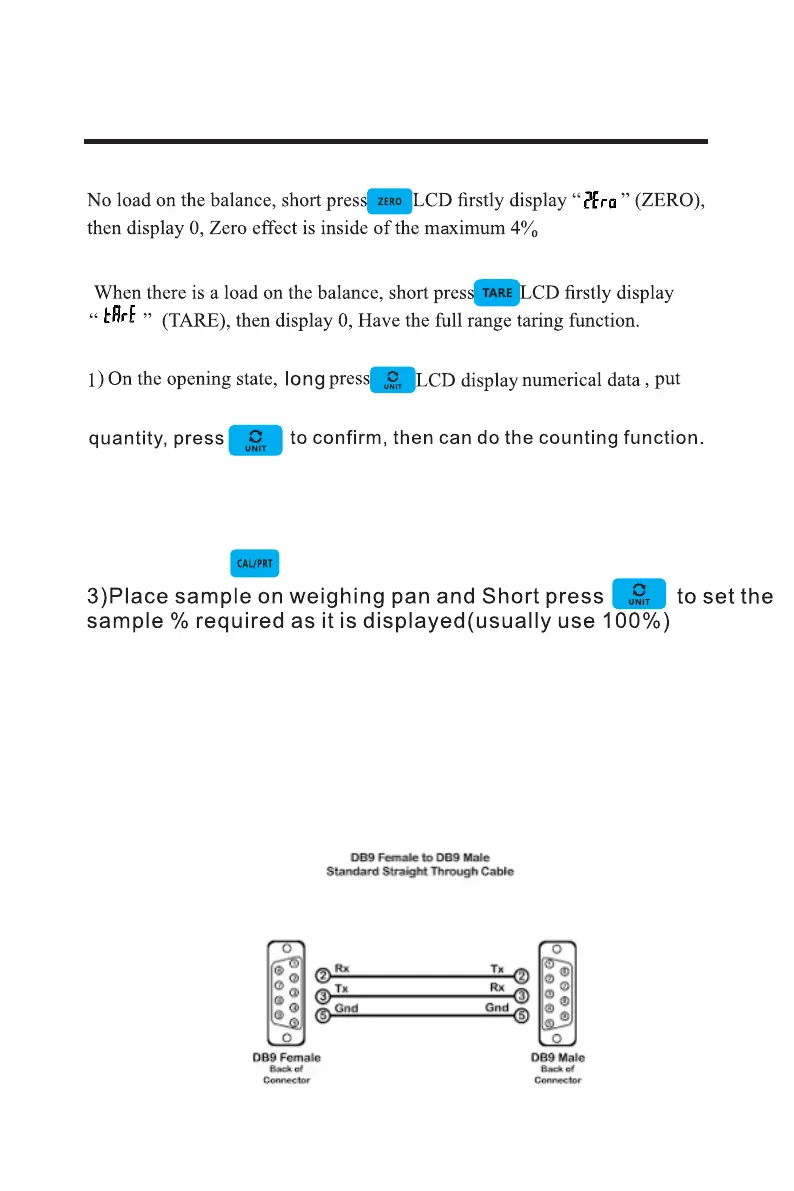
Basic weighing operation
Zero
Taring
Simple counting
7
Rs232 Serial Port
(PER) % Weighing
on counting quantity, when the LCD data display at the same
1)Long press UNIT key to select “PCS”
2)Short press key to set Percent mode
4)Sample size is now set and Percent weighing display will show
the weight compared to the PERCENT weight selected.
The RS232 communication port is configured to 9600 Baud
and continuous data stream. The connections are as follows;


 To Next Page