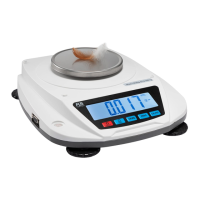
put on the pan.(sample size can be changeable)
b. Input the quantity of samples and Press the SMPL key
c. The averaged piece weight will be calculated
automatically. Now you can count bulks.
2. PIECE WEIGHT setting
(In case of piece weight is already known.)
a. Set the piece weight data by the numeric keys and
decimal point key. The number to be shown in PIECE
WEIGHT display with flickering.
b. Press the WT key, the piece weight setting to be done.
c. Press the CE key cancel the piece weight setting
3.PIECE WEIGHT too light alarm
will point to LS and AS; when the averaged piece
weight or set piece weight is not enough for accurate
counting operation. Operator still can use the scale, but
counting error may occur.



 To Next Page