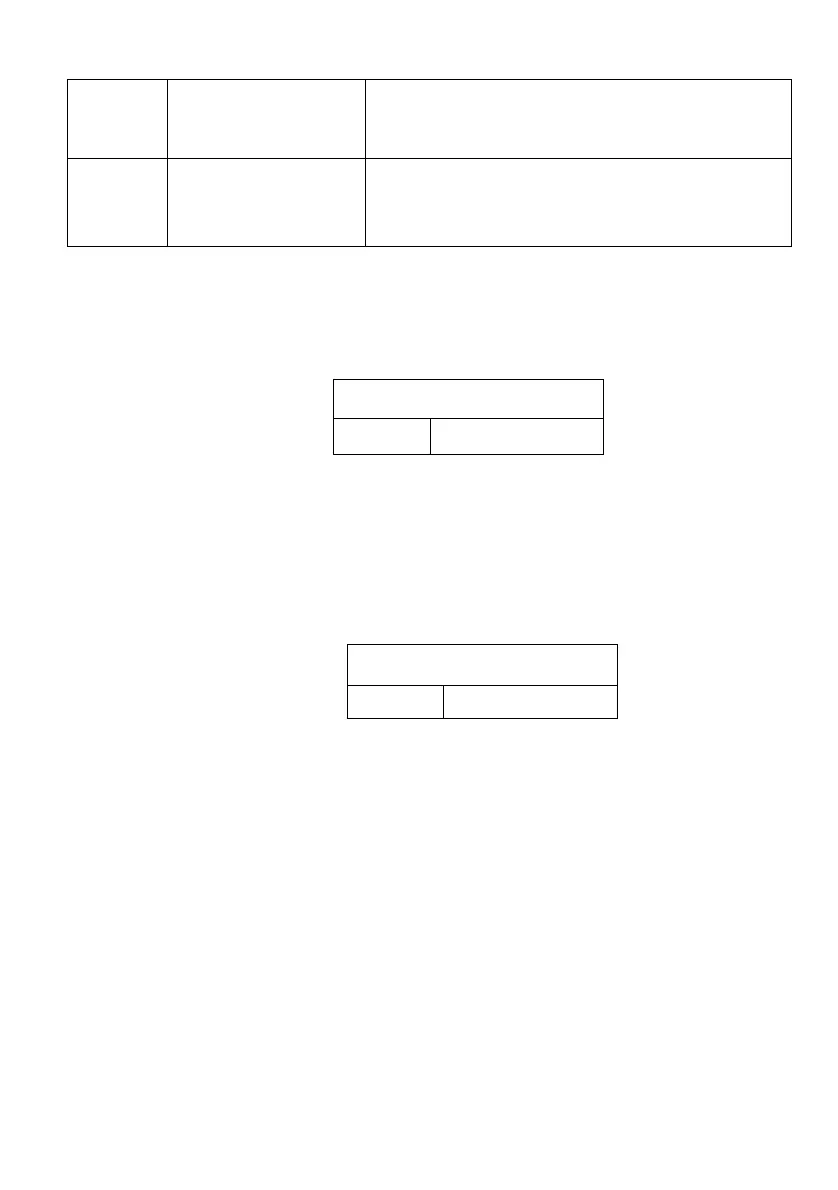
3
Stable
On: when value is stable, then alarm
Off: scale will alarm even if the value is
not stable
4
bLy
“ ON" : The red and yellow backlight for
alarm mode are turned on .
"OFF": Alarm backlight are turned off.
2. Hi-low limitation settings (end user operation)
After making basic settings. Press the key “CHECK SET”,
will display:
Please input the needed hi point value.
Then press the key “CHECK SET” , you can set the
low point value.
NOTICE: Hi value must bigger than low value.
3. If you need to clear/change value, please use the key
“CE”.
10.00g
Lin-hi
9.00g
Lin-hi



 To Next Page