3
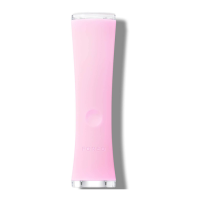
HOW TO USE YOUR ESPADA™ 2
Before first use, download the FOREO For You app to register your device and
activate the warranty by following these simple steps:
1. Download the FOREO app on your mobile phone by scanning the QR code.
2. Log in to your existing account, or sign up for a new one.
3. Add device (on the top of your screen).
4. Choose device series.
5. Follow the instructions on the app and fill in the purchase information.
And your device is ready to use!
REGISTER YOUR WARRANTY
HOW TO USE
CLEANING YOUR ESPADA
™
2
Always clean ESPADA
™
2 thoroughly after use. Clean the device with soap, rinse with warm water, and dry with a soft,
lint-free cloth. After use, we recommend spraying the device with FOREO’s Silicone Cleaning Spray and rinsing it
with warm water for optimal results.
NOTE: Never use cleaning products containing alcohol, petrol, or acetone, as they may irritate the skin and damage
the silicone.
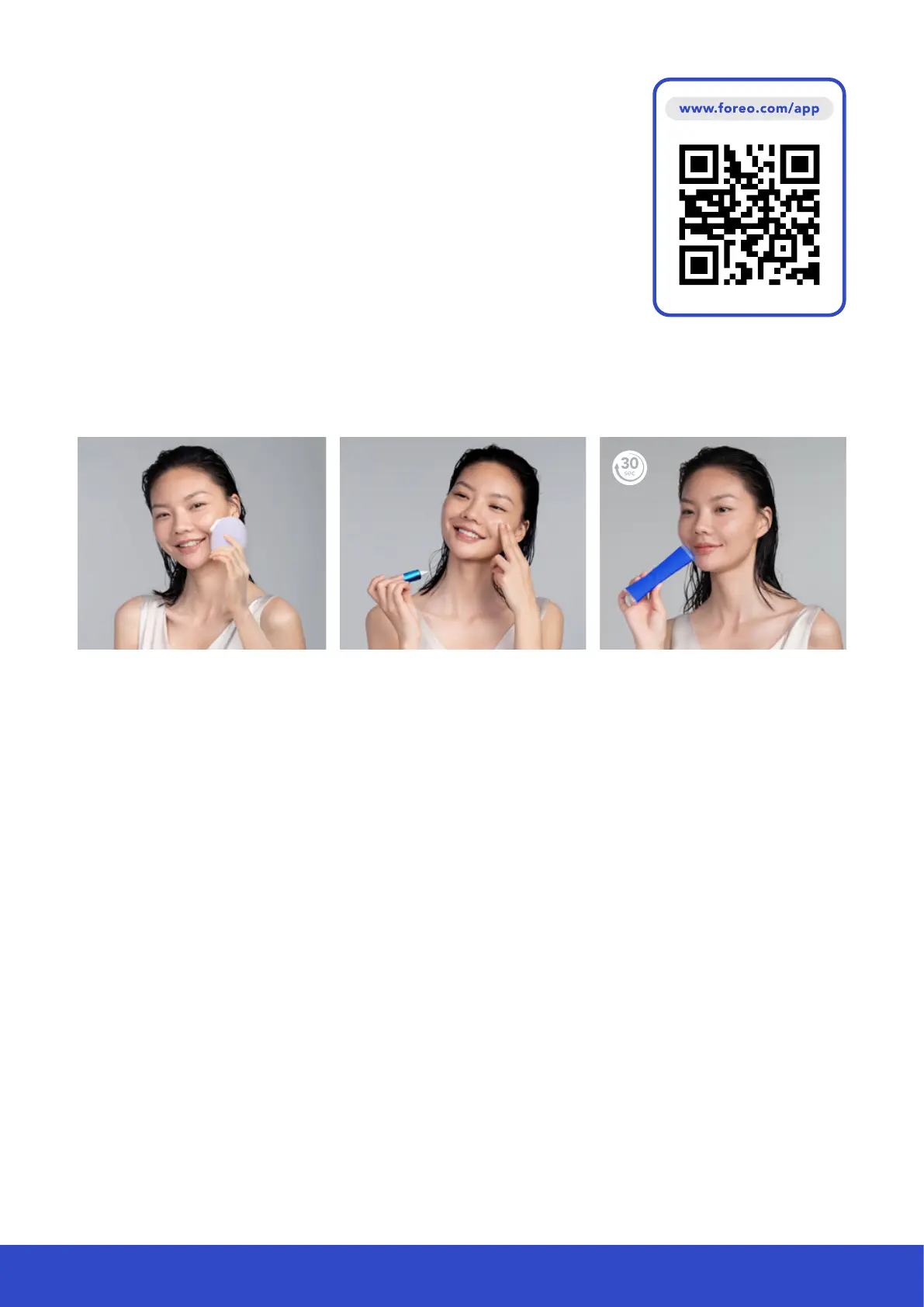
1. CLEANSE
Cleanse and dry your face and neck.
For optimal results, we recommend
using a FOREO LUNA
™
Facial
Cleansing Massager.
2 . A P P LY
Apply FOREO ESPADA
™
BHA+PHA
Blemish Solution to each spot you
wish to treat, if desired.
3. TRE AT
Press the universal button to turn on
ESPADA
™
2. Aim it so the spot you
wish to treat is in the center of the
precise targeting light & hold on skin
for 30 secs. You can treat the same
spot up to 4 times in one treatment.



 To Next Page