— 52 —
Tent Camper Owner’s Manual
Remember to remove the faucet spout and store it
back inside the sink when tearing down.
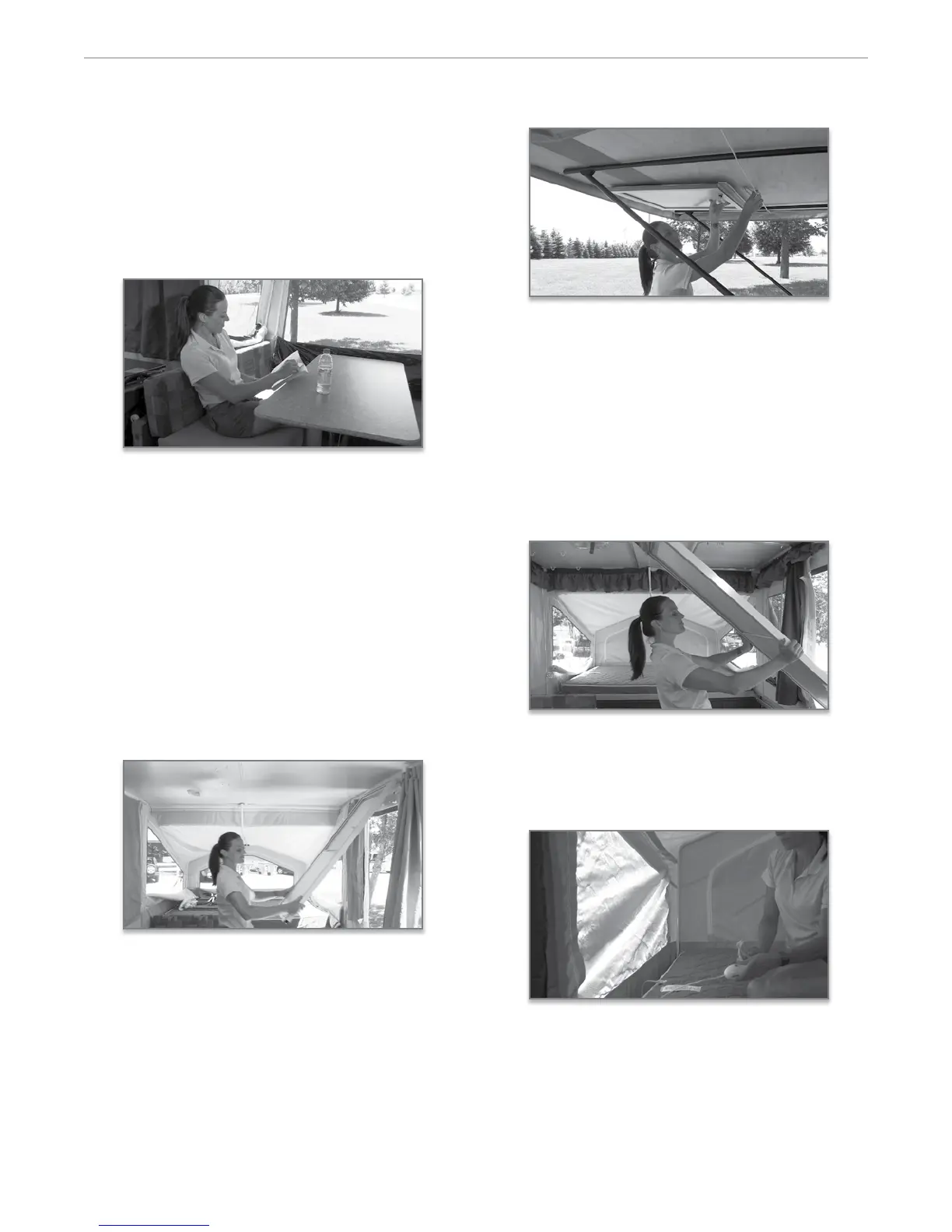
1. Remove the dinette cushions from the bed position,
and place the table on its side or on the bed. If your
camper has a free standing table, simply unfold the
table legs, and lock into place. If your table is a ped-
estal table, install the leg(s) into the oor base and
set the table into place. Now, position the seat cush-
ions and supported back cushions on the bases.
2. MAC, MAC O Road, Classic and High Wall
models: Most Flagsta models feature the Fantas-
tic Vent. is 12 volt, 3 speed fan is quiet, dissipates
condensation, and exchanges the air in your tent
camper allowing you to breathe natural ambient
outside air.
3. LTD models only: To set the screen door, release
the door by turning the two twist locks. As the door
swings down, li it up and align the tabs into the
slots on top of the side-wall. (Picture) en twist the
retainers to secure the top of the door. Attach the
two door sections together and release the retainer
clip on the side of the door. Now, simply attach the
tent to the screen door with the Velcro strip.
MAC, MAC O Road, Classic and High Wall
models: Before installing the door, you should rst
remove the travel door by liing the door to release
the hinge pins. en, stow the door beneath the
rear bunk, and secure it with the attached shock
cord. Be sure to reinstall this door before attempt-
ing to slide in the bunk during teardown.
To set the screen door, simply push the one piece
door up and release the snaps on the side of the
door. Allow the guide wires to support the door.
Next, twist the retainer clip at the bottom of the
door to release it from the travel position. Position
yourself in the middle of the door. Li it out of
the travel position and guide the door outside the
opening setting it onto the threshold. Twist the 6
retainer clips to hold the door secure. en, attach
the tenting to both sides of the door with the Velcro
strips.
4. To provide power to your heated mattresses, sim-
ply plug in the power cord and controller provided
into the outlet sewn into the side of the mattress
and plug into a 110 volt outlet located on the walls
near the bed ends.
5. High Wall models only: if you have the model
HW29SC, you have a 20” LCD TV Monitor as stan-


 To Next Page