EN
CONNECTIONS
According to the device channel to be connected, pressing Fn + Q/W/E for more
than 5 seconds, Q/W/E will ash blue and start searching for the device. After the
connection is successful, the blue light will go out.
FN+T can indicate which channel you are connecting to. Clutch wireless supports up to
three devices.
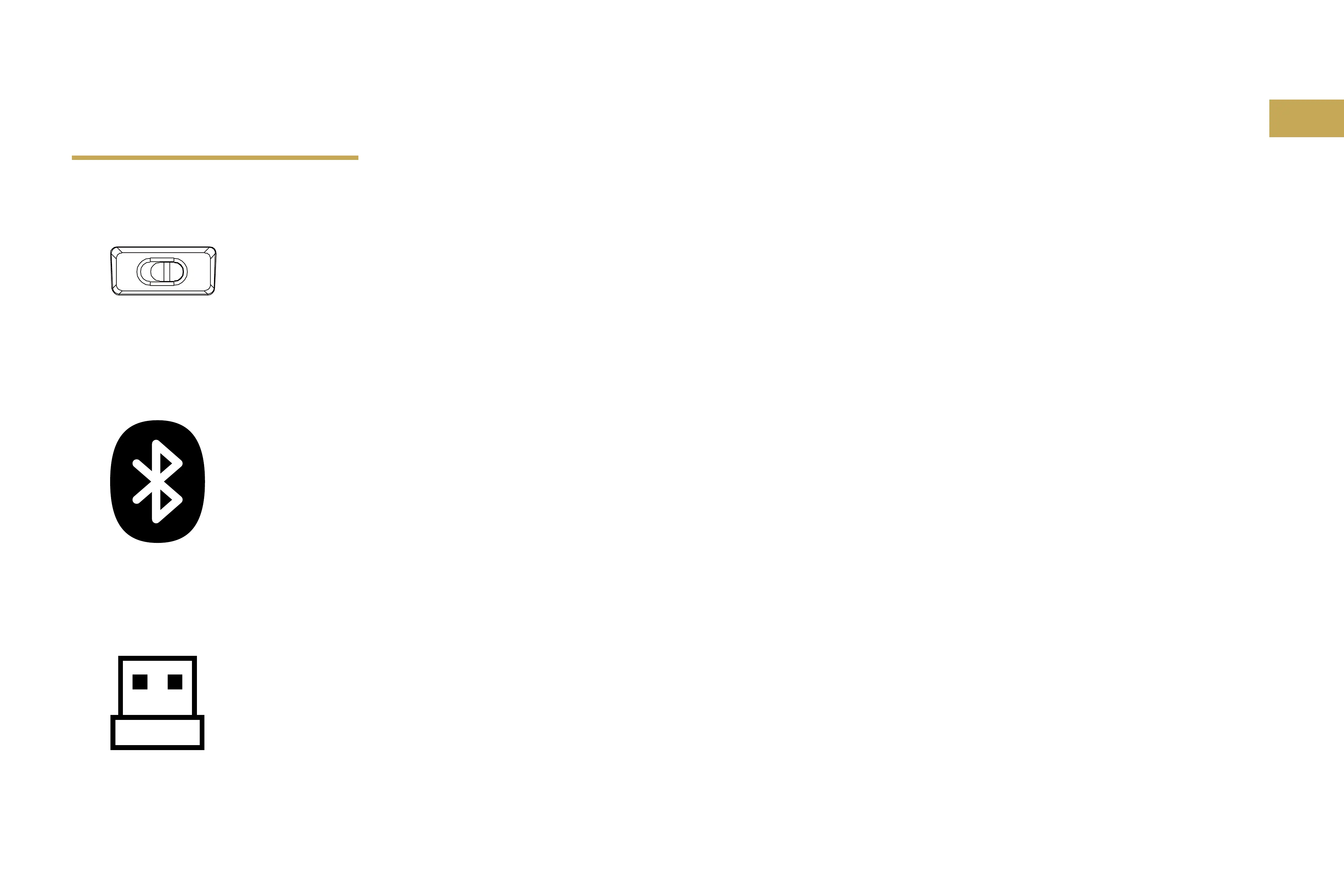
Turn on the button on the bottom to enter wireless mode.
Switch to off and plug the USB cable to enter wired mode.
Fn+A change to Windows layout, Fn+S to Mac layout.
Press FN+R, the green light of the R key will ash, then plug in the USB receiver to start
connection, the green light of the R key will go out after the connection is successful.
Bluetooth
2.4GHz


 To Next Page