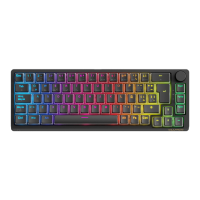
Need help?
Do you have a question about the Forgeon CLUTCH and is the answer not in the manual?
Details about the keyboard's physical characteristics like dimensions and weight.
Performance metrics including switch type, actuation, and travel distance.
Information on media controls, A-RGB, and software compatibility.
Controls for lighting effects, speed, direction, and OS modes via FN key.
Accessing Print Screen, Scroll Lock, Home, End, Insert, Pause/Break via FN key.
Resetting to defaults and toggling backlighting on/off using FN key.
Using FN key for F1-F12 and specific character inputs.
Instructions on connecting the keyboard to a computer via USB port.
Guidance on obtaining and installing configuration software for the keyboard.

 To Next Page
 General