Need help?
Do you have a question about the Forgeon CLUTCH WIRELESS and is the answer not in the manual?
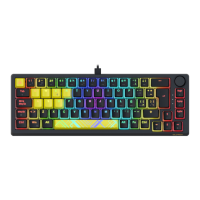
Details keyboard model, style, dimensions, weight, and cable length.
Information on switch type, feeling, actuation, and travel distance.
Overview of media buttons, RGB, software, battery life, and wireless range.
Identifies the USB receiver and USB cable provided with the keyboard.
Explains the meaning of capital, windows locked, and Mac layout indicator lights.
How to switch between wireless, wired, and operating system layout modes.
Process for pairing devices via Bluetooth and managing multiple connections.
Steps to establish a connection using the 2.4GHz USB receiver.
Lists FN key combinations for screen, media, backlight, and system controls.
Details FN key shortcuts for volume, mute, Win lock, and LED mode changes.
How to view battery status using the FN key and volume knob.
Explains charging status lights and what they mean when plugged in.

 To Next Page
 General