Settings
13
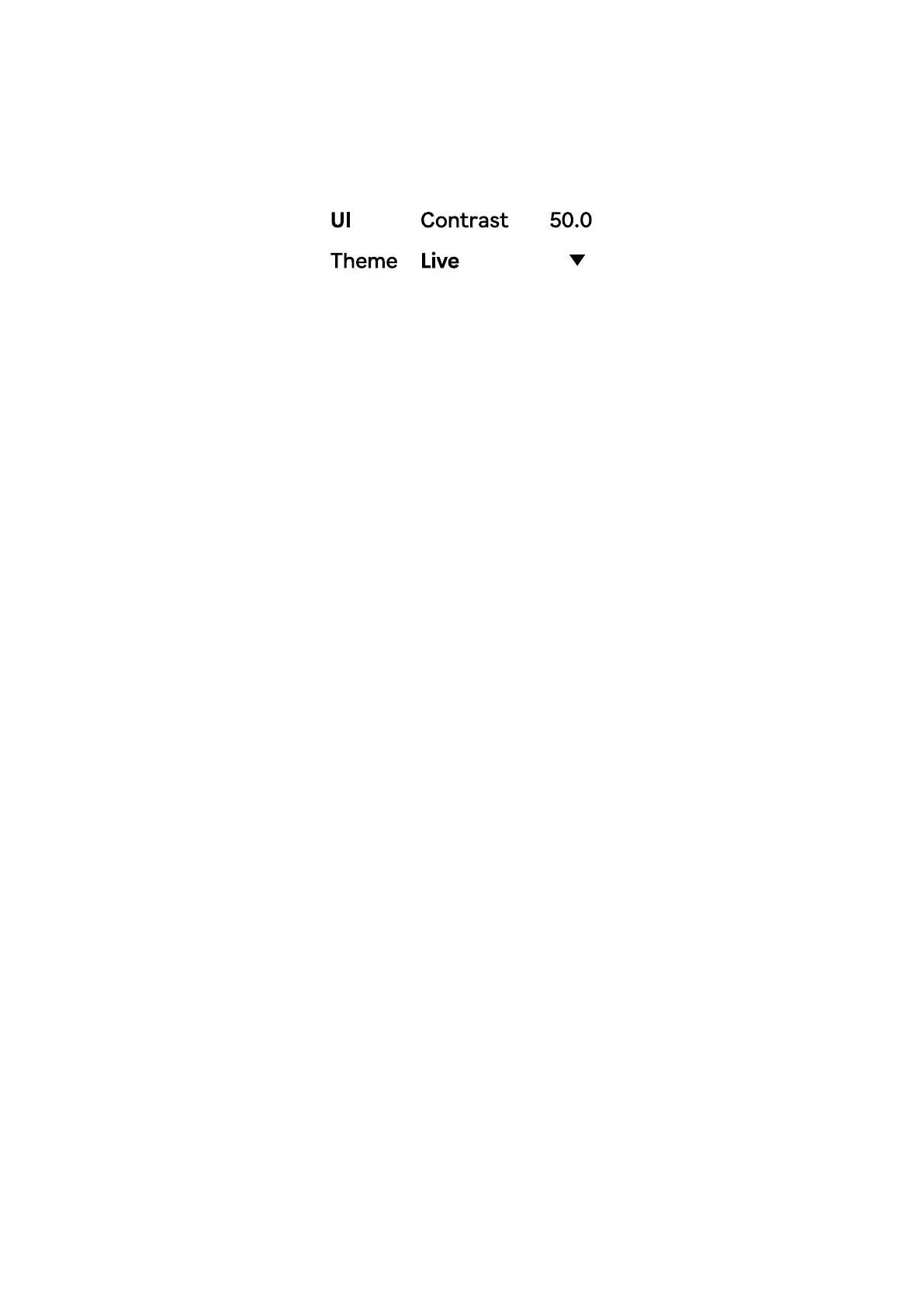
The UI colors in Dyad can be changed from the default Live theme to a selection of
built-in optional themes. You can also create your own theme by creating or
changing a dyad-usertheme.json le. This is a standard json format le and
should look like this:
Colors are entered as hex codes and will be activated when the "User" option is
selected in the Theme menu.
Note that changes to the custom theme requires a reload of Dyad or your project.
The Contrast option is active if the device is using the standard Live theme. This is
useful if current theme is too low contrast or you simply want a higher contrast
setting.
{
"bg" : "000000",
"mid" : "555555",
"light" : "999999",
"accent" : "EEEEEE"
}


 To Next Page