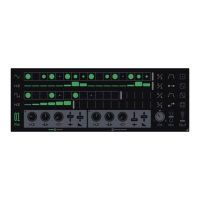
Each voice in Dyad is controlled by two different sequencer tracks– Trig and
Modulation. The Trig track behaves much like a classic step sequencer, sending
trig and velocity data, while the Modulation track is used to send values to each of
the ve main parameters of the synthesizer.
Each track has up to 16 steps with different length and time division allowing for
both polymeters and polyrhythms. Patterns can also be chained and switched
instantaneously for longer sequences.
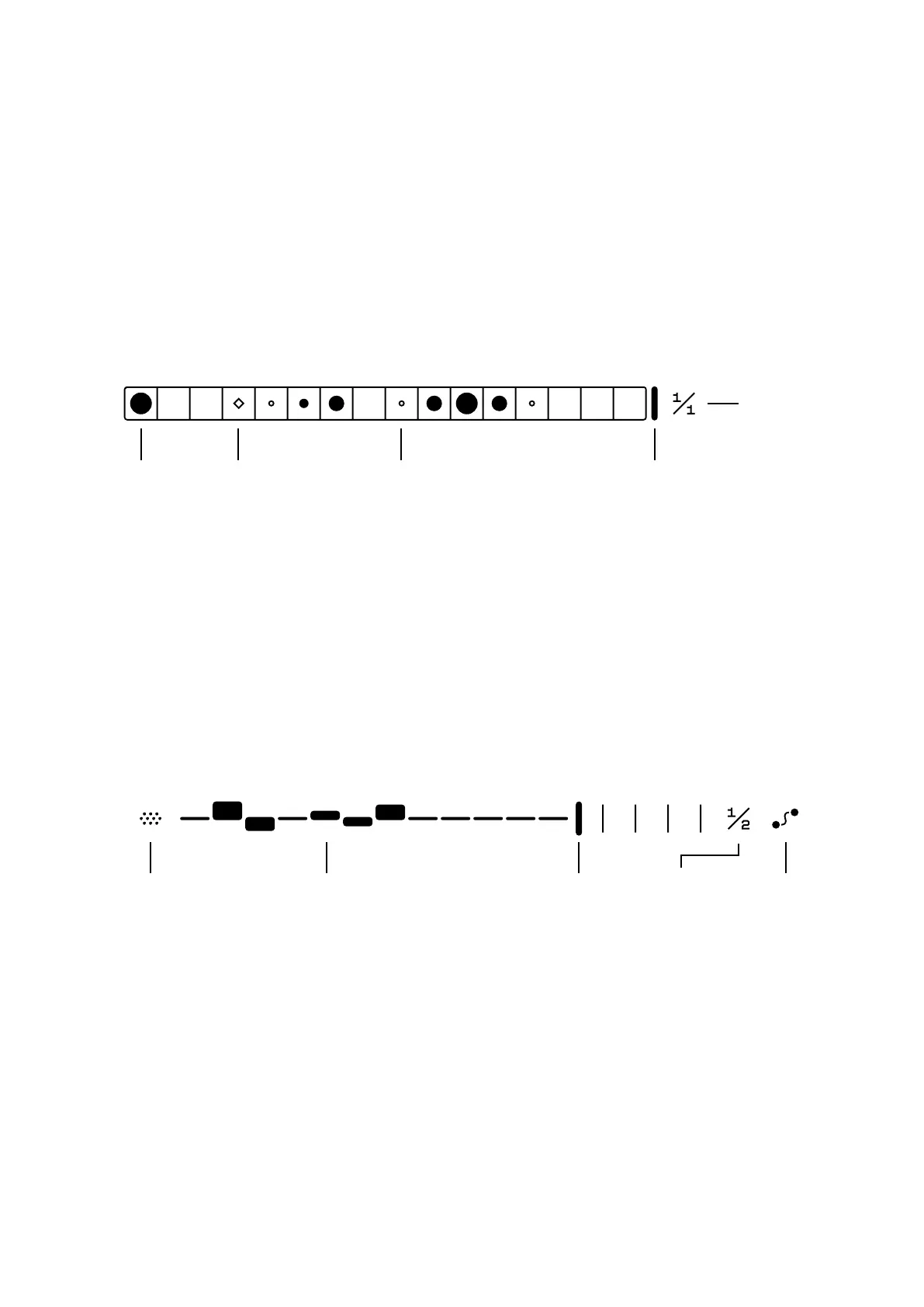
Trigs are added or removed by clicking on any step container. It's also possible to
click and drag to add multiple steps at once.
Holding down Shift ⇧ while adding a trig will cycle through three different velocity
levels, which are displayed by the size of the circle.
Clicking and dragging the Length horizontally will change the track length.
Time division changes the rate that the sequencer will advance at, set in divisions
of the host tempo.
Sequencer
7
Trig Playhead Length
Time
Division
1/4
Mark
Time
Division
SmoothLengthValueParameter
Modulation is applied by clicking and dragging the bars in the Modulation track.
Each parameter has its own modulation lane and by clicking on the parameter
menu you can choose which parameter's modulation is currently being edited.
Holding down Shift ⇧ while editing will increase the precision and edit each step's
relative value which is useful for ne tuning the modulation.
Holding down Alt/Opt ⌥ while editing will set the modulation to zero.
To copy and paste a modulation value, hold down Ctrl/Cmd and click to copy, then
hold down Ctrl/Cmd + Shift to paste.


 To Next Page
 Loading...