12 01-28004-0025-20040830 Fortinet Inc.
Package contents Getting started
Package contents
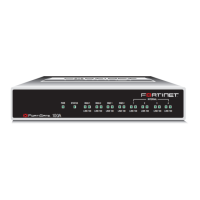
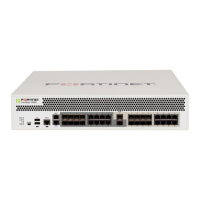
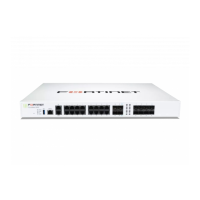
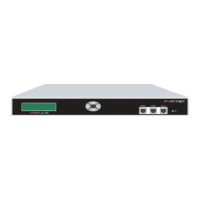
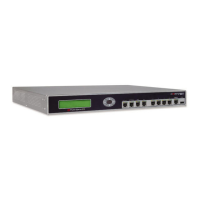
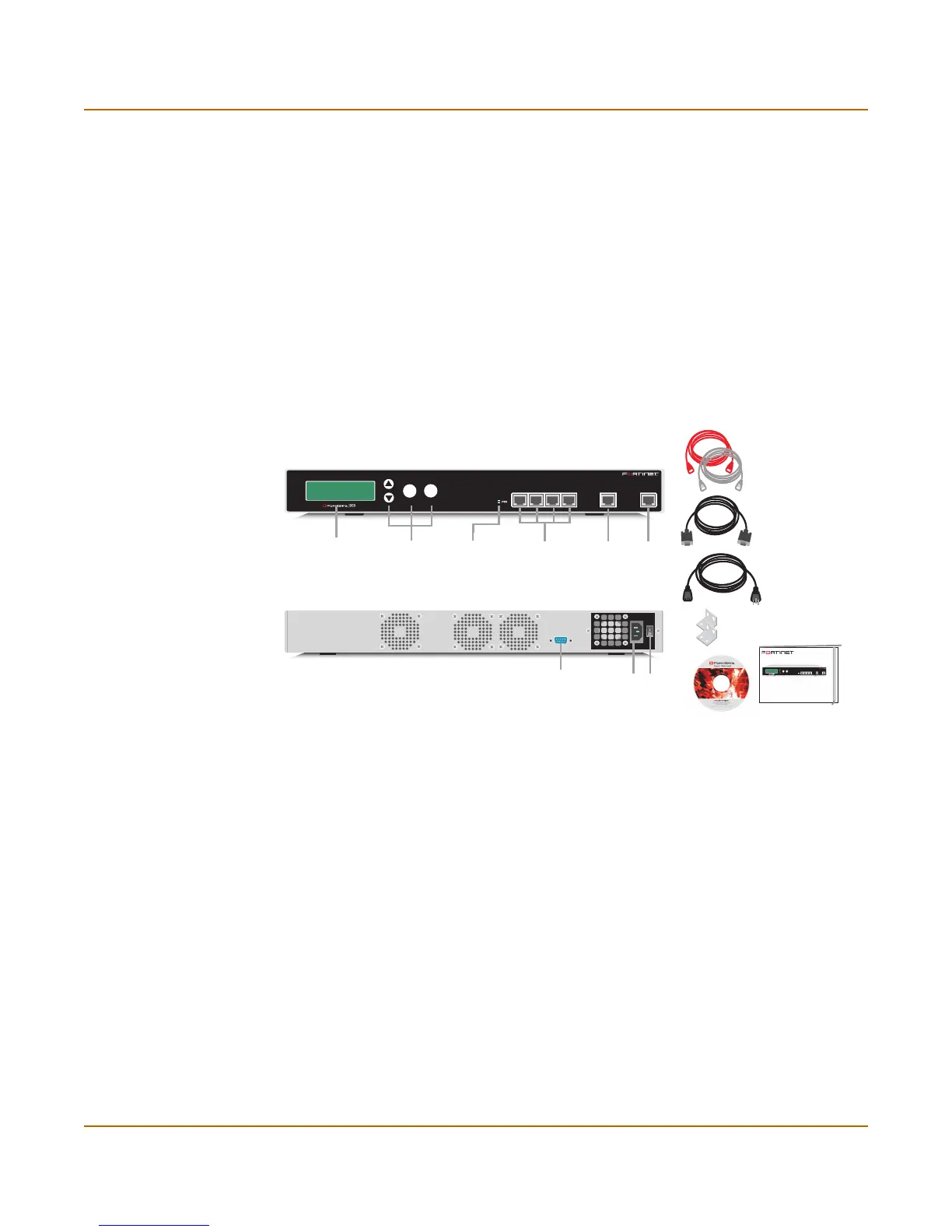
The FortiGate-1000 package contains the following items:
• FortiGate-1000 Antivirus Firewall
• two orange crossover ethernet cables (Fortinet part number CC300248)
• two blue regular ethernet cables (Fortinet part number CC300249)
• one null modem cable (Fortinet part number CC300247)
• FortiGate-1000 QuickStart Guide
• power cable
• CD containing the FortiGate user documentation
• two 19-inch rack mount brackets
Figure 2: FortiGate-1000 package contents
Mounting
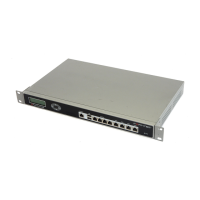
The FortiGate-1000 unit can be mounted in a standard 19-inch rack. It requires 2 U of
vertical space in the rack.
The FortiGate-1000 unit can also be installed as a free-standing appliance on any
stable surface.
Dimensions
• 16.75 x 12 x 1.75 in. (42.7 x 30.5 x 4.5 cm)
Weight
• 17.5 lb. (8 kg)
Back View
Front View
RS-232 Serial
Connection
Power
Connection
Power
Switch
Esc
Enter
LCD Control
Buttons
Internal
Interface
INTERNAL
EXTERNAL
1 2 3 4 / HA
1, 2, 3, 4/HA
Interface
External
Interface
Power
Light
Power Cable
Rack-Mount Brackets
Null-Modem Cable
(RS-232)
Documentation
Ethernet Cables:
Orange - Crossover x 2
Grey - Straight-through x 2
USER MANUAL
FortiGate-1000
QuickStart Guide
Copyright 2003 Fortinet Incorporated. All rights reserved.
Trademarks
Products mentioned in this document are trademarks.
Esc
Enter
INTERNAL
EXTERNAL
1234 / HA



 To Next Page
 Loading...