34 01-28004-0025-20040830 Fortinet Inc.
Connecting the FortiGate unit to the network(s) NAT/Route mode installation
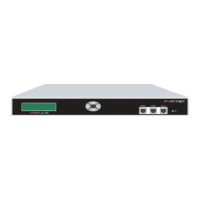
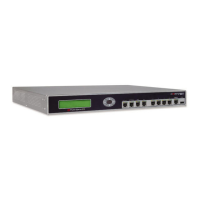
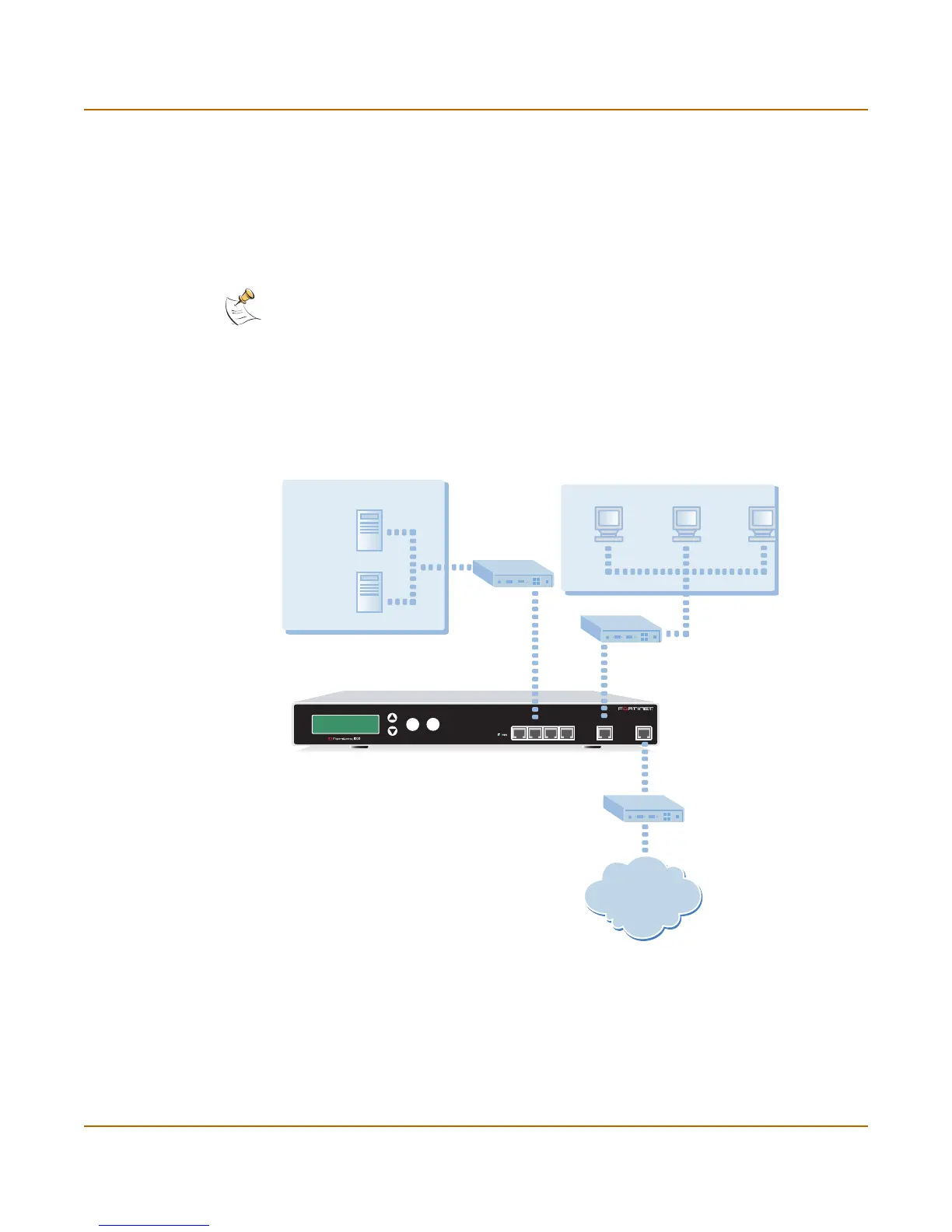
There are four 10/100Base-TX connectors on the FortiGate-1000:
• interfaces 1 and 3 for connecting two networks to the FortiGate-1000 unit,
• interface 2 for connecting a DMZ network or another network to the FortiGate-1000
unit,
• interface 4/HA to connect to another FortiGate-1000 for high availability (see “High
availability installation” on page 47) or to connect to a fourth network.
To connect the FortiGate-1000 unit running in NAT/Route mode
1 Connect the Internal interface to the hub or switch connected to the internal network.
2 Connect the External interface to your public switch or router.
3 Optionally connect interfaces 1, 2, 3, and 4/HA to networks.
Figure 9: FortiGate-1000 NAT/Route mode connections
Note: You can also create redundant connections to the Internet by connecting two interfaces
to separate Internet connections. For example, you could connect the external interface and
interface 1 to different Internet connections, each provided by a different service provider.
Esc
Enter
INTERNAL
EXTERNAL
1 2 3 4 / HA
Internet
Internal
External
FortiGate-1000
Internal Network
Port 2
Network
Mail Server
Web Server
Hub or Switch
Public Switch
or Router



 To Next Page
 Loading...