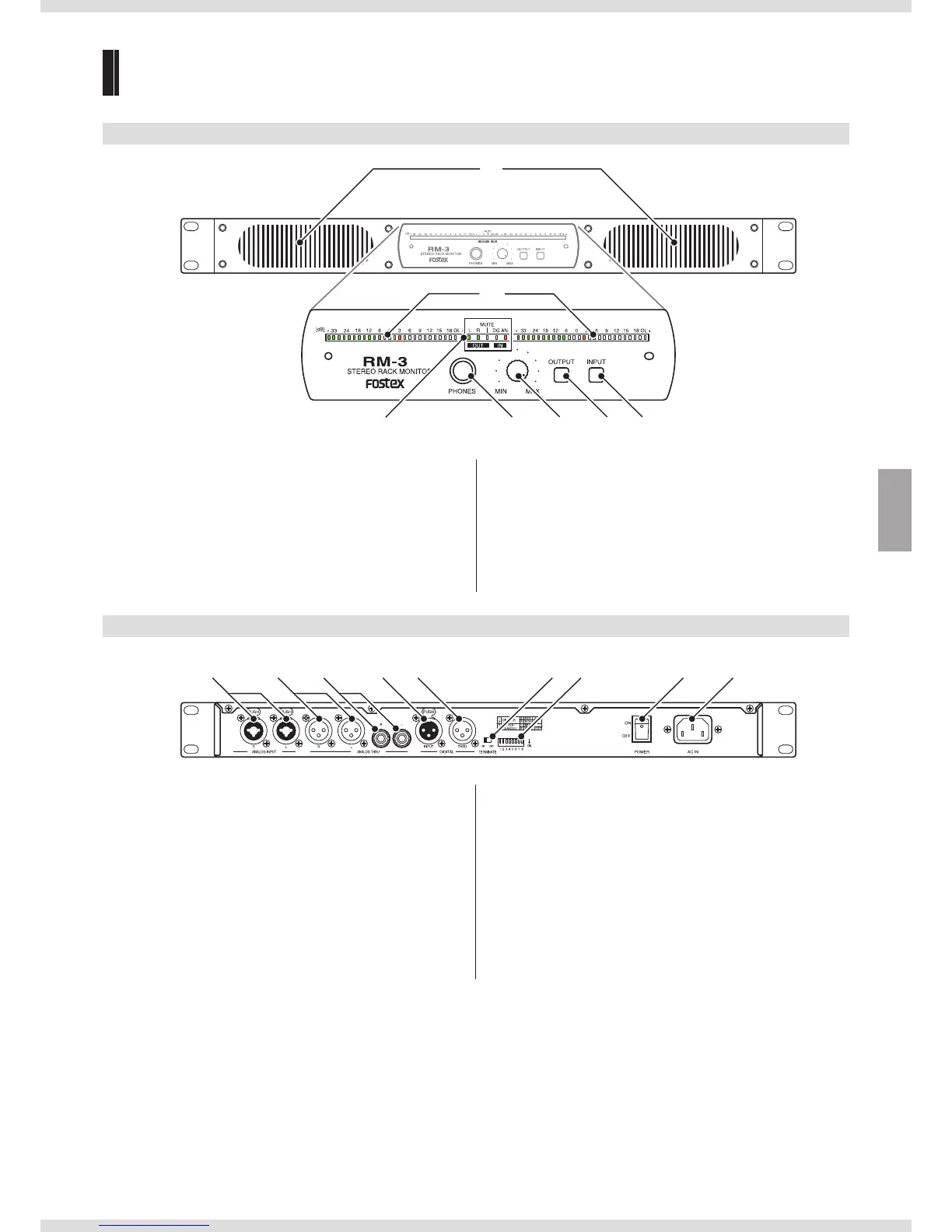
②
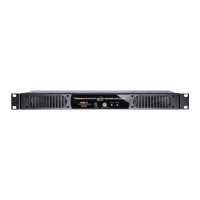
③ ④ ⑤ ⑦⑥ ⑧
① Speakers
The speakers do not emit any sound while headphones are
connected to the [PHONES] jack.
② Level meter
③ Status display
④ [PHONES] jack
⑤ Volume knob
⑥ Mute button
Press the button for approximately one second to mute
(
page 6). Cancel mute by briefly pressing the button again.
⑦ [OUTPUT] switch
Select an output channel from stereo, L, R, and L+R.
⑧ [INPUT] switch
Back
⑨ [ANALOG INPUT] terminals (for both XLR/TS phone)
⑩ [ANALOG THRU] terminals (XLR)
Outputs the signal being input through the [ANALOG INPUT]
(XLR) terminal.
⑪ [ANALOG THRU] terminals (TS phone)
Outputs the signal being input through the [ANALOG INPUT] (TS
phone) terminal.
⑫ [DIGITAL INPUT] terminal
⑬ [DIGITAL THRU] terminal
Outputs the signal being input through the [DIGITAL INPUT]
terminal.
⑭ [TERMINATE] switch
Turn off if you wish to connect the [DIGITAL THRU] terminal to a
digital input terminal on another device.
⑮ DIP switches
Used to configure various settings (
page 4).
⑯ [POWER] switch
⑰ [AC IN] terminal


 To Next Page