10) Set up Partition Profiles
Partition Profiles with Custom Phrases can be set up to ARM/DISARM/RESET specific Partitions,
using the .PR1 to .PR8 Commands. Up to 8 Profiles can be learned.
Please NOTE: the Phrases may NOT contain ‘*’(star) or ‘#’(hash) characters and
may NOT be longer that 14 characters.
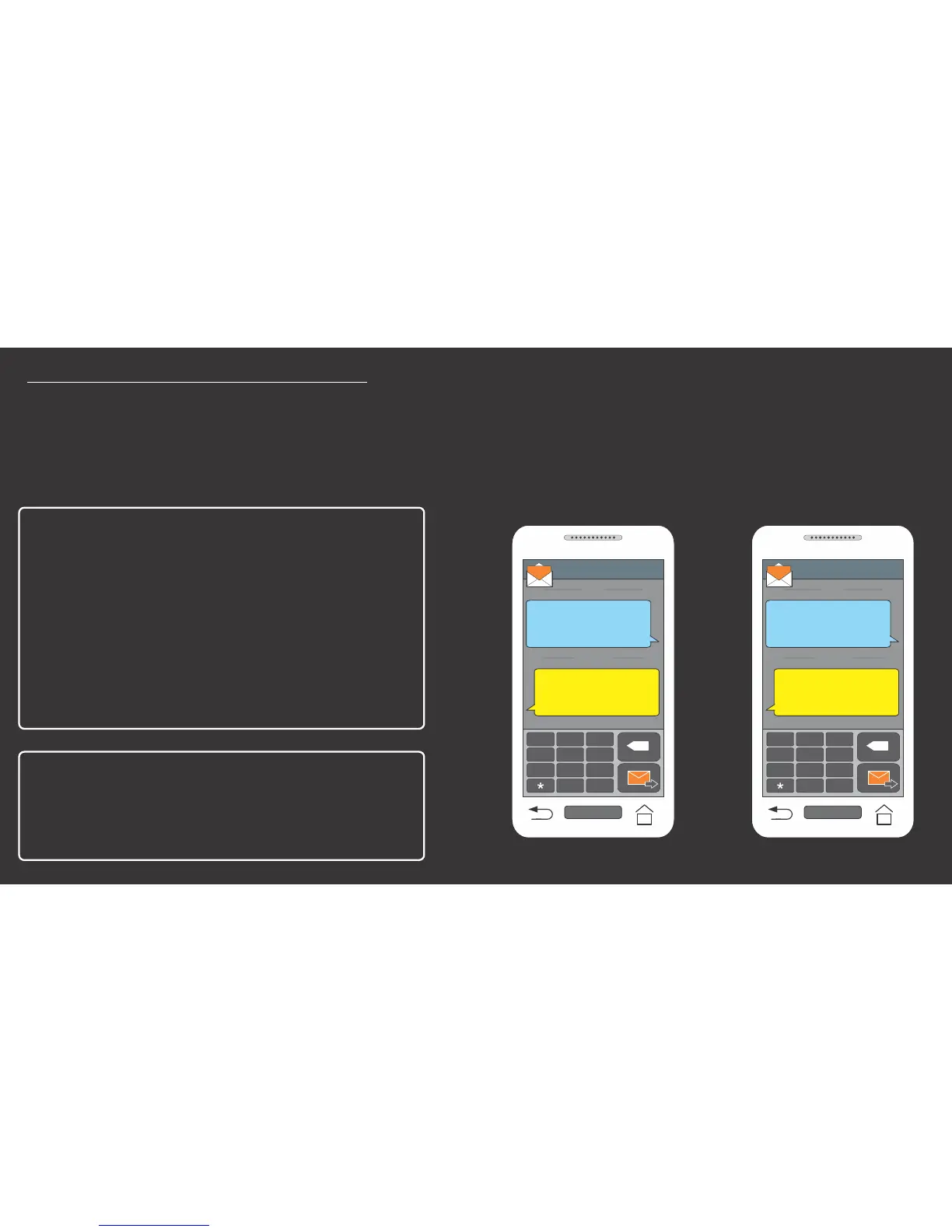
Add Partition Profile1 called HOUSE
for activating Partition 1 only:
From Master user SMS:
.PR1 ‘HOUSE’ 1#
This will create a profile that ARMs/
DISARMs/RESETs Partition 1.
Now from any valid user SMS:
.HOUSE ON#
This will ARM Partition 1.
Profile Successfully
Learned: HOUSE.
RECEIVED
.PR1 ‘HOUSE’ 1#
SENT
.,!
GHI
ABC
DEF
JKL
MNO
PQRS
TUV
WXYZ
0
#
X
CELL PHONE
SMS
+27721234567
1... Exit Started 00
1... Remote Armed
RECEIVED
.HOUSE ON#
SENT
.,!
GHI
ABC
DEF
JKL
MNO
PQRS
TUV
WXYZ
0
#
X
CELL PHONE
SMS
+27721234567
User Activates Alarm Panel via SMS
Master User Creates Profile1


 To Next Page