Select Input Voltage
-5-
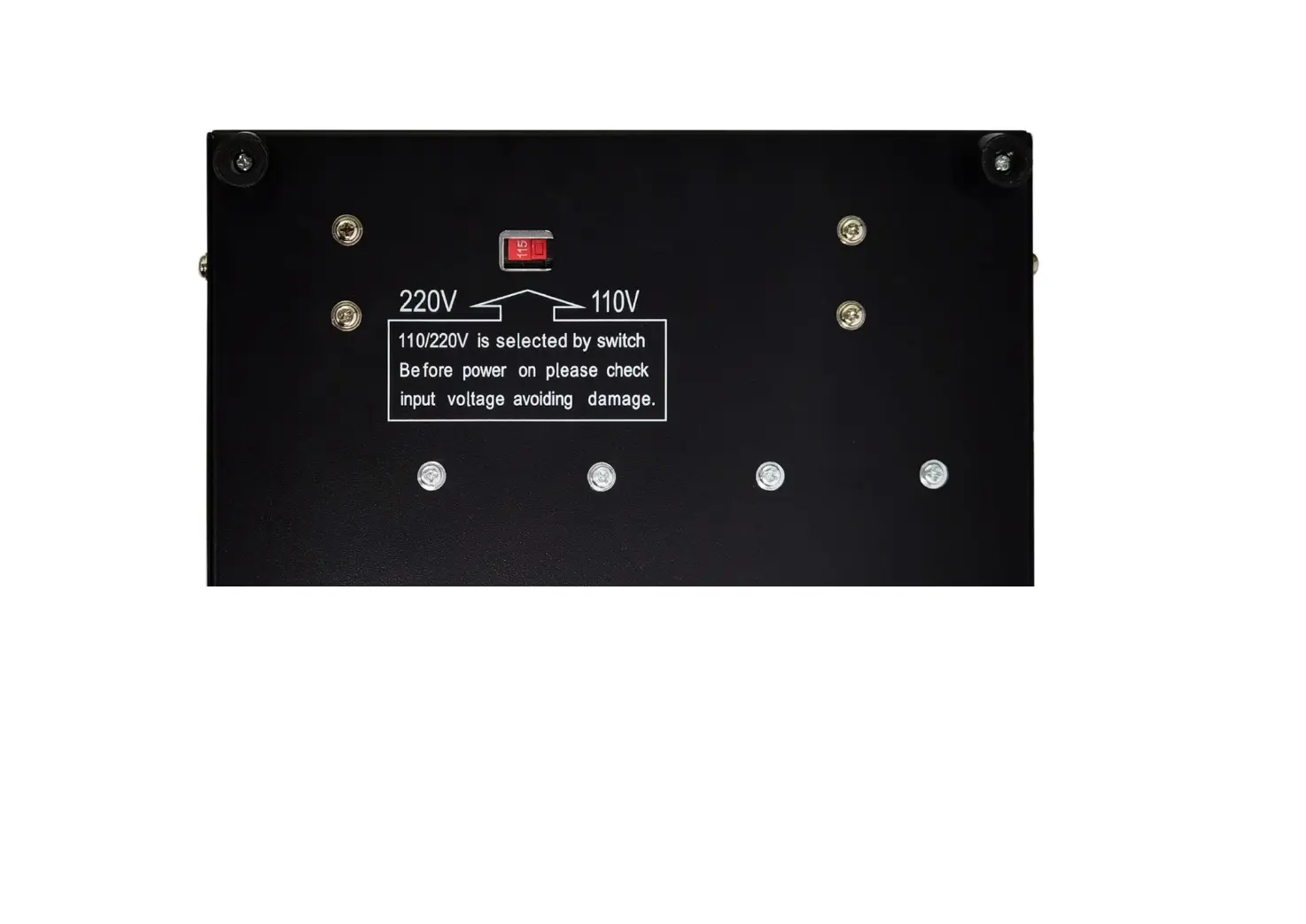
• Select the correct input voltage based on your location before power on the machine.
• Input voltage switch is at the bottom of the controller box.
• For 110V areas, flip the switch to the right side, displayed as “115”.
• For 220-240V areas, flip the switch to the left side, displayed as “230”.
!!! Warning:
• Wrong input voltage will burn out the power supply.
• Check the input voltage first after receiving the machine.


 To Next Page