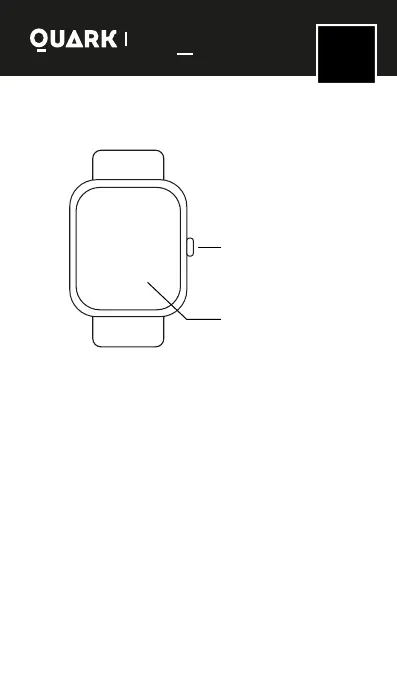
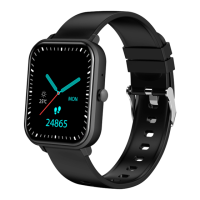
Wear schematic
Smartwatch functions description
-To turn on the device, press and hold the function button
for more than 3 seconds.
-To turn o the device, press and hold the button on the
watch and press conrm button.
for 3 seconds.
-Reset: This function will clear all data of the watch (such
as step counting).
-When the device is on, press the button or shake it to
light up the screen.
-Press the button or the screen to open the menu
through the dierent functions of the watch. If you don't
press for a moment, the screen will turn o automatically.
-To start the measurements, a waiting time of 60
seconds is needed to get the results (to measure heart
rate and blood pressure, mobile compatibility with the
bracelet hardware is required).
Turn on/o screen -
Back - Main screen -
Shut on/down device.
Full touch screen
SMART WATCHES
Series
Gravity
EN
ENGLISH



 To Next Page