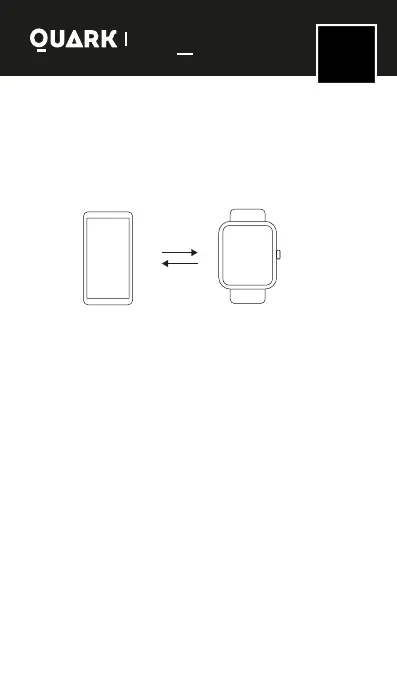
Device connection
Important: to link the smart watch with "Da Fit" it must be
done from the app granting the required permissions and
then from the bluetooth connection of the device.
It is also necessary that when you turn on the watch, connect
FOXBOX Grav from the cell phone's bluetooth to be able to make calls.
First of all, you need to connect the app with the
"FOXBOX GRAV" watch to make the devices sync. Open
"Da Fit" and rst enter your data to use the functions of
the watch through the mobile application.
Simultaneously from "Da Fit" look for the option to link
the watch with the phone. After a successful connection,
the watch will automatically sync with your cell phone's
time zone and lenguage.
The app will automatically save the Bluetooth connection
of the watch, and when it is opened or running in the
background, it will automatically search and connect with
the watch.
Android devices should ensure that the app is running in
the background and the mobile phone system settings
have all permissions granted.
Da Fit
FOXB OX
GRAVITY
SMART WATCHES
Series
Gravity
EN
ENGLISH



 To Next Page