• Stop Charging:
1. Swipe card
2. Charging session end
The controlled mode with APP
• Start Charging:
1. Set the charger to the Controlled mode
2. Insert the charging plug into the EV
3. Click to Start the Charge on the APP
4. Waiting for authorizing
5. Charging session started
• Stop Charging:
1. Click to Stop the Charge on the APP
2. Charging session end
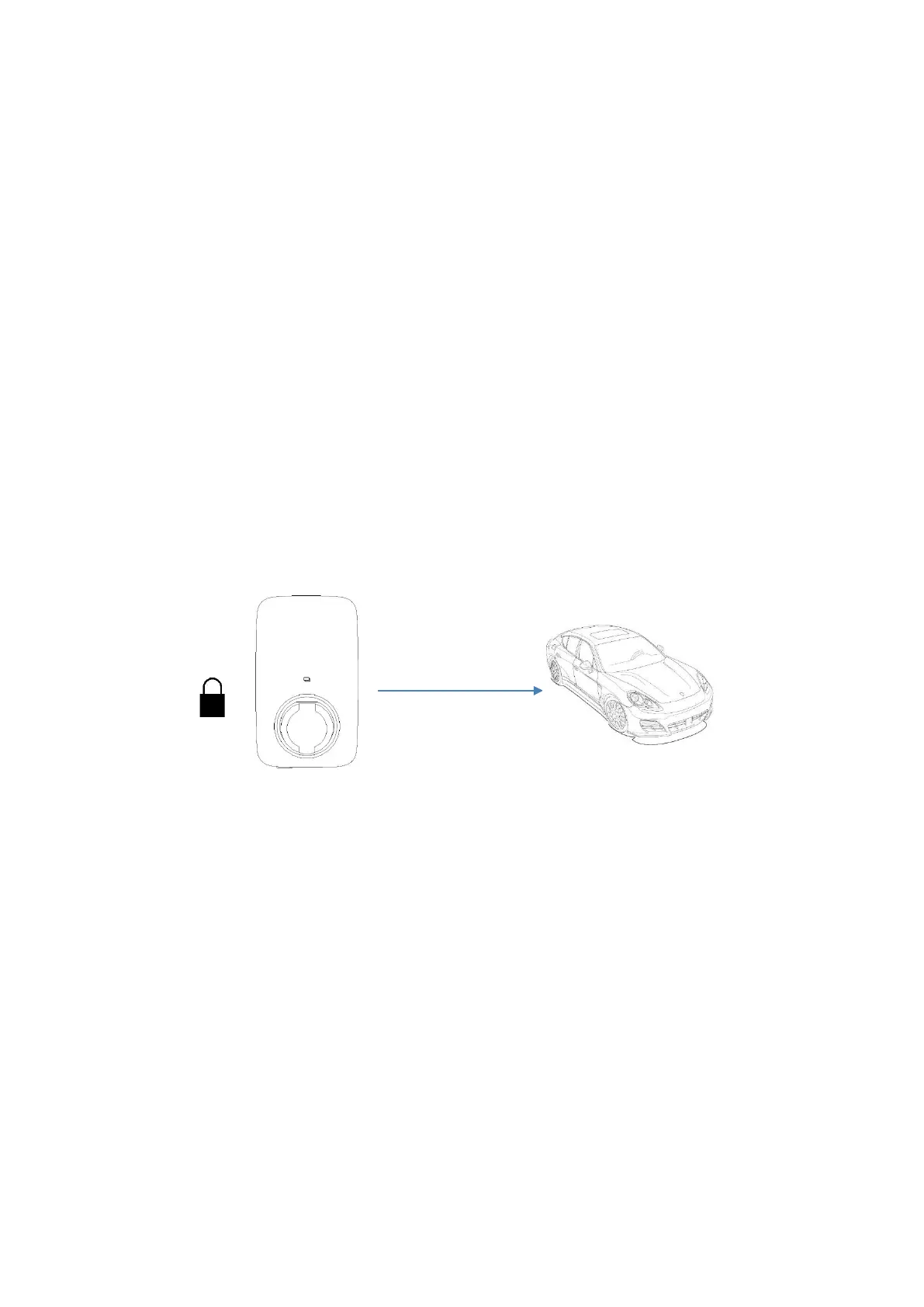
C. The locked mode
On this mode, the charger is locked and cannot be used.


 To Next Page