English 5
CHARGER MODES:
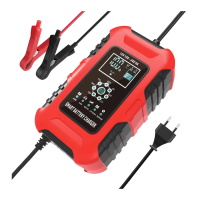
The FBC122410D has seven (9) modes: 12V AGM, 24V AGM, 12V Car, 24V
Car, 12V Motorcycle, 24V Motorcycle, 12V LiFePO4, 24V LiFePO4, REPAIR.
It is important to understand the differences and purpose of each charge mode.
Do not operate the charger until you confirm the appropriate charge mode for
your battery. Below is a brief description:
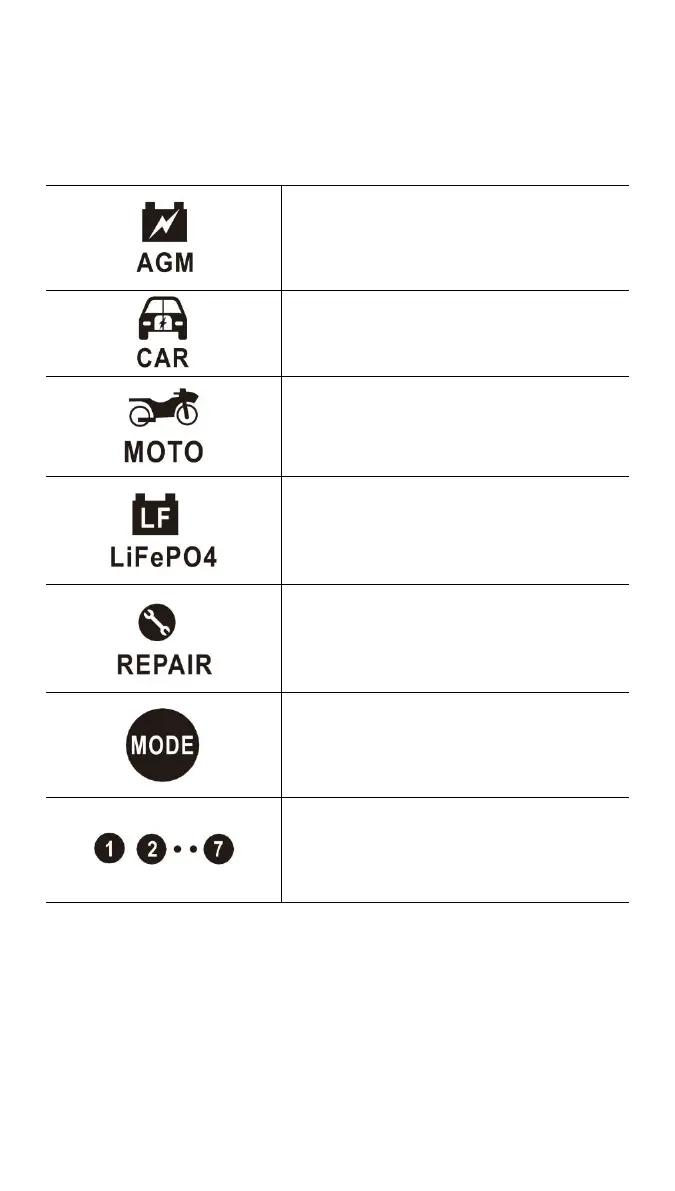
AGM Batteries Mode
For AGM Batteries
CAR Batteries Mode
For GEL, SLA, WET, DEEP CYCLE, EFB, Calcium
Batteries
Motorcycle Batteries Mode
For Motorcycle Batteries
LiFePo4 Batteries Mode
For LiFePo4 Batteries
Repair Mode (16 hours)
An advanced battery recovery mode
for repairing and storing, old, idle,
damaged, stratified or sulfated.
Not all batteries can be recovered, only can use
on Motorcycle and Car batteries
Charge mode select button
Be sure to select the mode before connecting the
battery, otherwise the mode button will be locked
LED indication for charging stage
BEGIN CHARGING:
1.) Verify the voltage and chemistry of the battery.
2.) Confirm that you have connected the AC power plug is plugged into an
electrical outlet.
3.) Press the mode button to toggle to the appropriate charge mode.
4.) Confirm that you have connected the battery clamps or eyelet terminal


 To Next Page