BT705 Battery Analyzer User’s Guide - English Version_V1.00
3. To print the test results, just press the Print button on the unit.
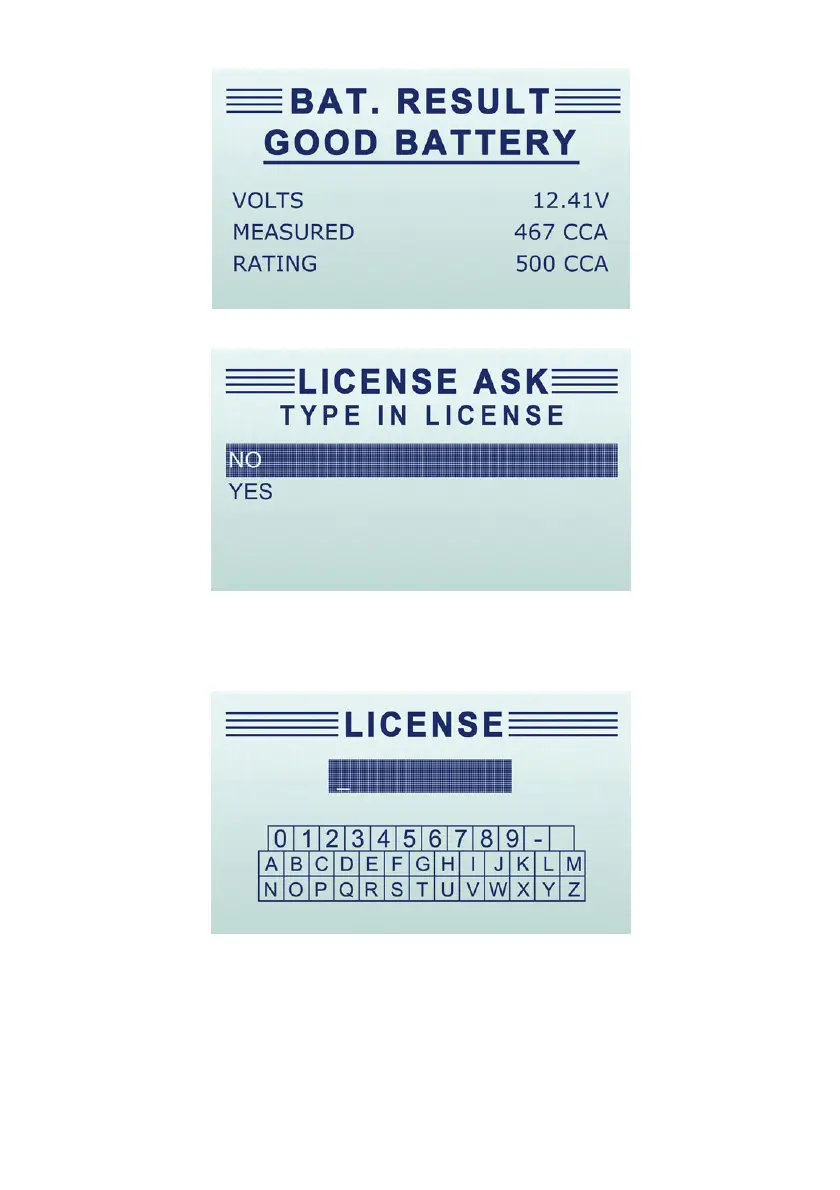
4. Select Yes to type in the plate number so the test ticket could show test result with the exact
plate number. Or select No to quit typing plate number.
5. Follow the on-screen prompt to input the plate number.
6. After entering the plate number, the following prompt shows.


 To Next Page