Automotive Diagnostic & TPMS Scanner NT809TS User's Manual V1.0
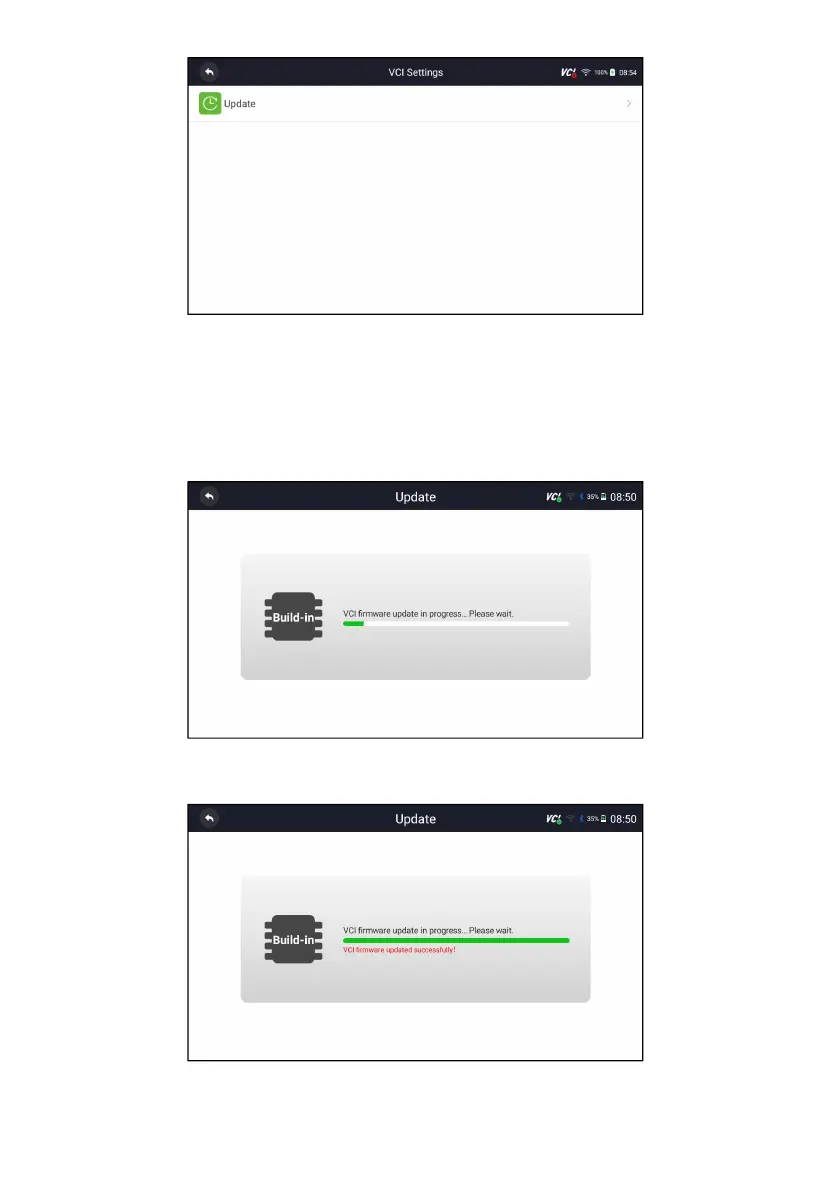
Figure 11-1 Sample firmware update option Screen
5. Check the battery level to ensure that the battery level should be greater
than 20%.
6. Press Retry button and it will start update automatically if there is an
update available. If update failed, please follow the on-screen instructions
to troubleshoot and repeat the update.
Figure 11-2 Sample Firmware Update Screen
7. “VCI firmware successfully message” will appear if update successfully.
Figure 11-3 Sample Firmware Update successfully Screen



 To Next Page