65
8 MODIFIERS
Our previous example used EXT 1 assigned to the PEDAL 1 jack, but there are in fact over 20 dierent
sources to use in your modiers. We refer to these as CONTROLLERS because they are used to control
a parameter. Some, like the built-in LFOs and Envelope Follower, are internal to the AX8, while others,
like a connected expression pedal or MIDI message from some other device, are referred to as external
controllers.
MODIFIER TIPS AND TRICKS
Here are some modier tips and tricks.
You can add up to 24 modiers in any preset.
The same modier SOURCE can be used to control multiple parameters at once.
All modiers in a block will be shared across both the X and Y states.
On the MODIFIER screen (with the graph):
Try Auto-Engage (“AUTOENG”) set to “SLOW SPD” to have your WAH (or
other eect) turn on automatically when you push it forward and bypass
again when you pull it back. No need for a toe switch!
Try a little “DAMPING” if you want sound changes to be slower or smoother.
Modiers do use some CPU power, so be careful not to overload your preset.
You don’t need a VOLUME block or a modier to control global volume with a pedal! Just open the CTRL
page of the I/O menu and set your choice of several dierent volume controls to your choice of sources.
Just re-check your “External Controller” assignments to make sure the
pedal you’re using isn’t also assigned to one of those.
INTERNAL CONTROLLERS
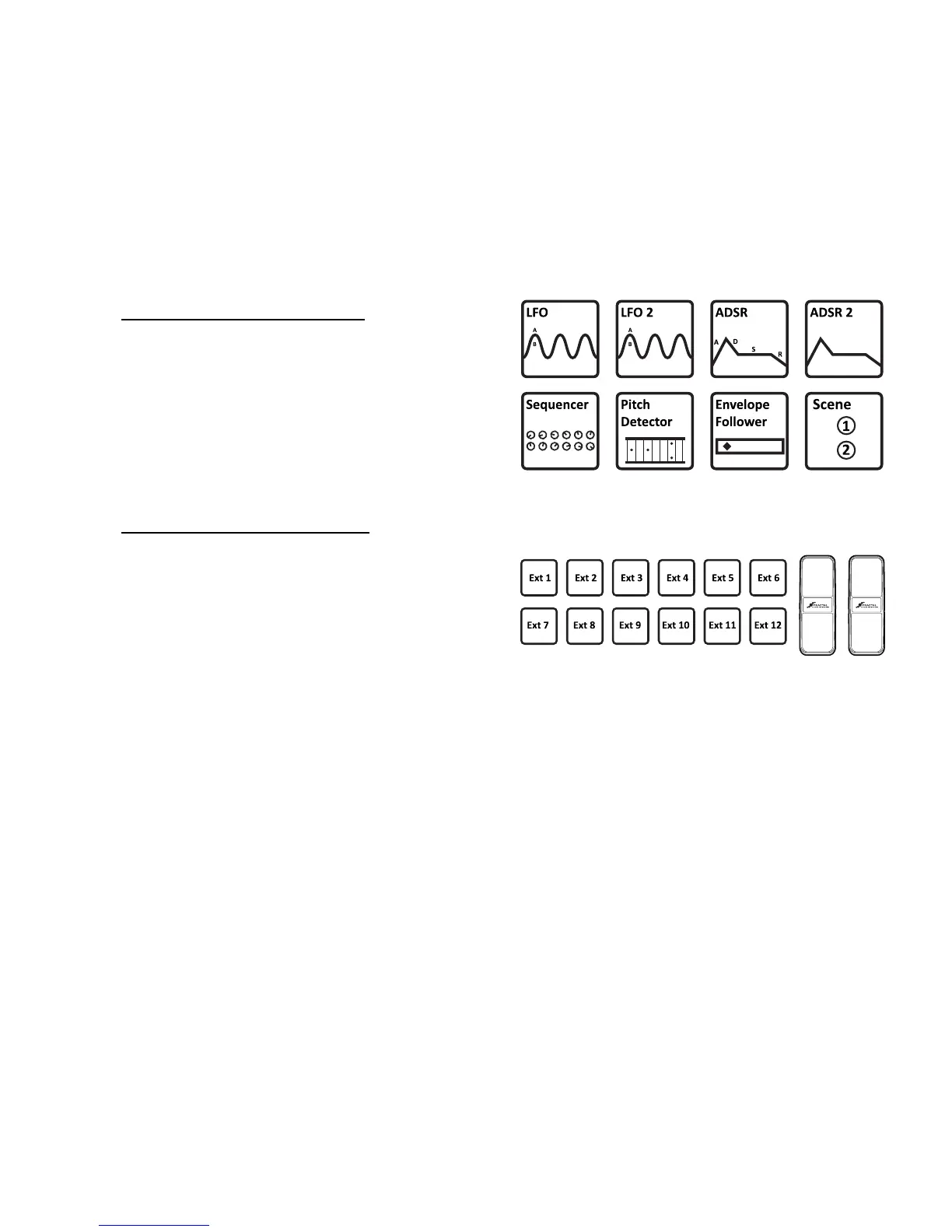
Internal controllers are built in to the AX8. There are
two LFOs (low frequency oscillators), two ADSR
envelope generators, a Sequencer, a Pitch Detector,
an Envelope Follower, and two Scene Controllers.
Every preset has its own settings for each internal
controller, found in the CONTROLLERS area of the
CONFIG page of the main menu.
EXTERNAL CONTROLLERS
External controllers allow you to use a MIDI message
(CC# 0–127) or any of the on-board PEDAL jacks as
the SOURCE in a modier.
For example, EXTERNAL CONTROLLER 1 is assigned
by default to the PEDAL 1 jack.
Assignments for the external controllers are made on
the CTRL page of the I/O menu under SETUP.
MODIFIER SOURCES OVERVIEW
Pedal
1
Pedal
2



 To Next Page