14
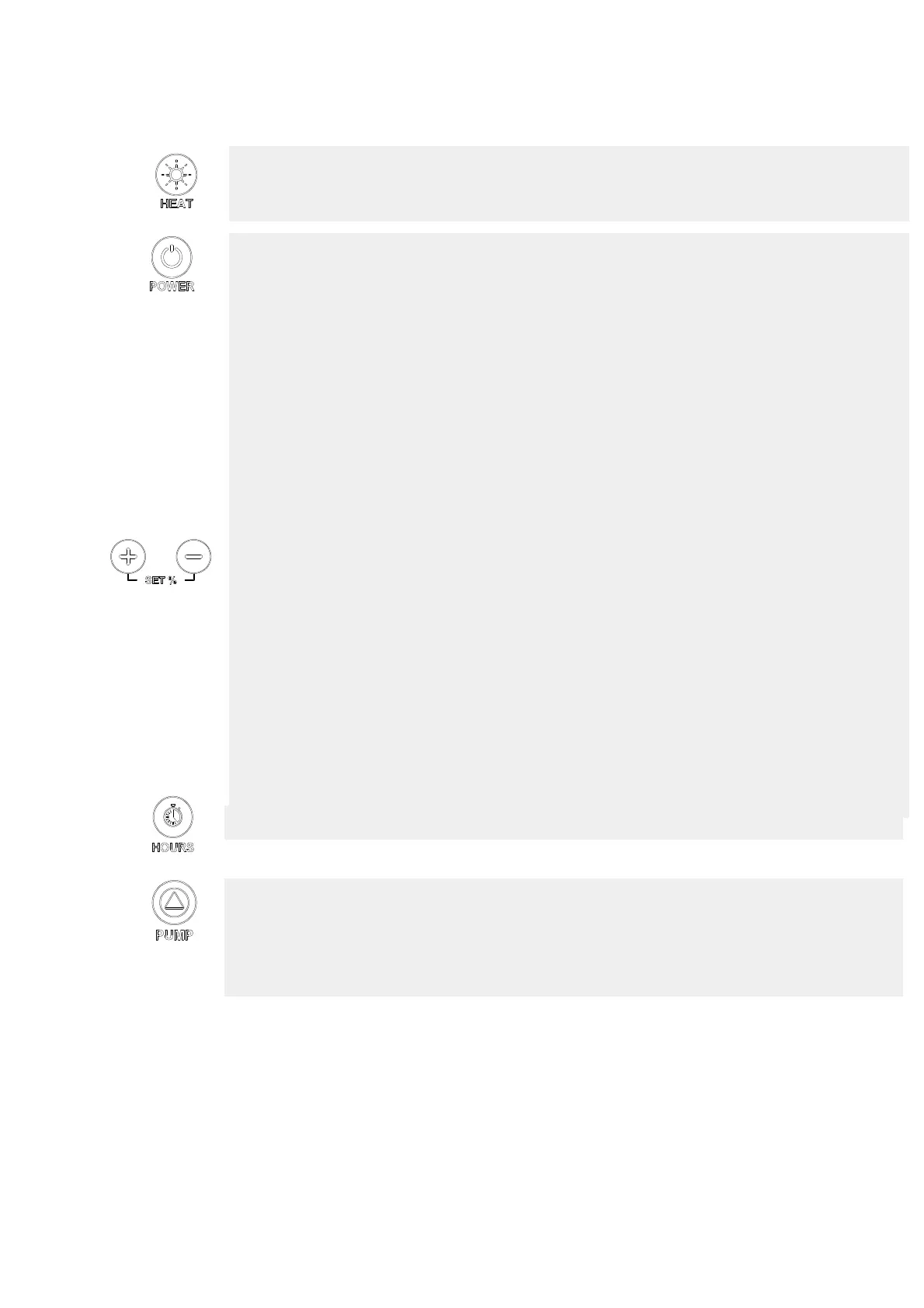
ON/OFF Electrical heaters or Way valve
; When the machine is ON, you can activate the
heating function by pressing and holding the button HEAT for 4 seconds. Same procedure to
disable it.
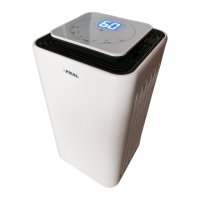
; plugged into the outlet (with ground wire!), the display turns on and shows
the relative humidity in the room.
The machine is in the OFF state when the Power LED is off. It’s in the ON state when the
Power LED is on.
When OFF, to switch on the dehumidifier, simply press the POWER key and depending on the
relative humidity set the machine starts working.
When the machine reaches the level of required moisture goes into stand-by mode:
automatically stops but remains in the ON state (POWER LED on).
If the humidity goes above the set point the dehumidifier starts again.
When ON to put the dehumidifier in OFF just press the POWER button (the display continues to
indicate the humidity in the room).
Note: putting the machine OFF and immediately ON, the compressor does not start
immediately and the Run led starts to flash. After a time of 210 seconds the machine restarts.
HUMIDITY/TEMPERATURE SET function
; press one of the SET-/ +: the display starts
flashing to indicate the humidity set; continuing to press SET-/ + you can bring to the set of
required moisture (from 30% to 80%). After 4 seconds the display stops flashing and the new
set of moisture is detected by the control unit.
It’s possible to make the machine works regardless of the degree of moisture holding SET- until
the message "Cont" appears.
When the heating mode is activated by pressing the key HEAT once is possible to display the
temperature in the environment (eg t22 ° means that in this environment is a temperature of 22
° C). To change the set temperature press the key HEAT and immediately after the SET-/+: the
display starts flashing to indicate the set temperature previously set and continuing to press the
SET-/+ it’s possible to reach the required temperature (from 15°C to 32°C ). After 4 seconds the
display stops flashing and the new set temperature is detected by the control unit.
HOUR COUNTER function: to display the hours of operation just press the key HOURS.
: in the OFF state, press at the same time SET + and PUMP for 4 seconds.
The message "PunP" appears on the display and Full LED flashes every 10 seconds. Same
procedure to return to the tank mode operation.
If the controller is in pump mode, pressing and holding the PUMP the pump is activated to
empty the tank when shifting. It switches off when released.



 To Next Page