Frama Matrix F12
34
5.6.3. Changing the ink jet cassette
Information
Caution! Make sure that the ink jet cassette has been stored at room temperature for at least three
hours before you fit it.
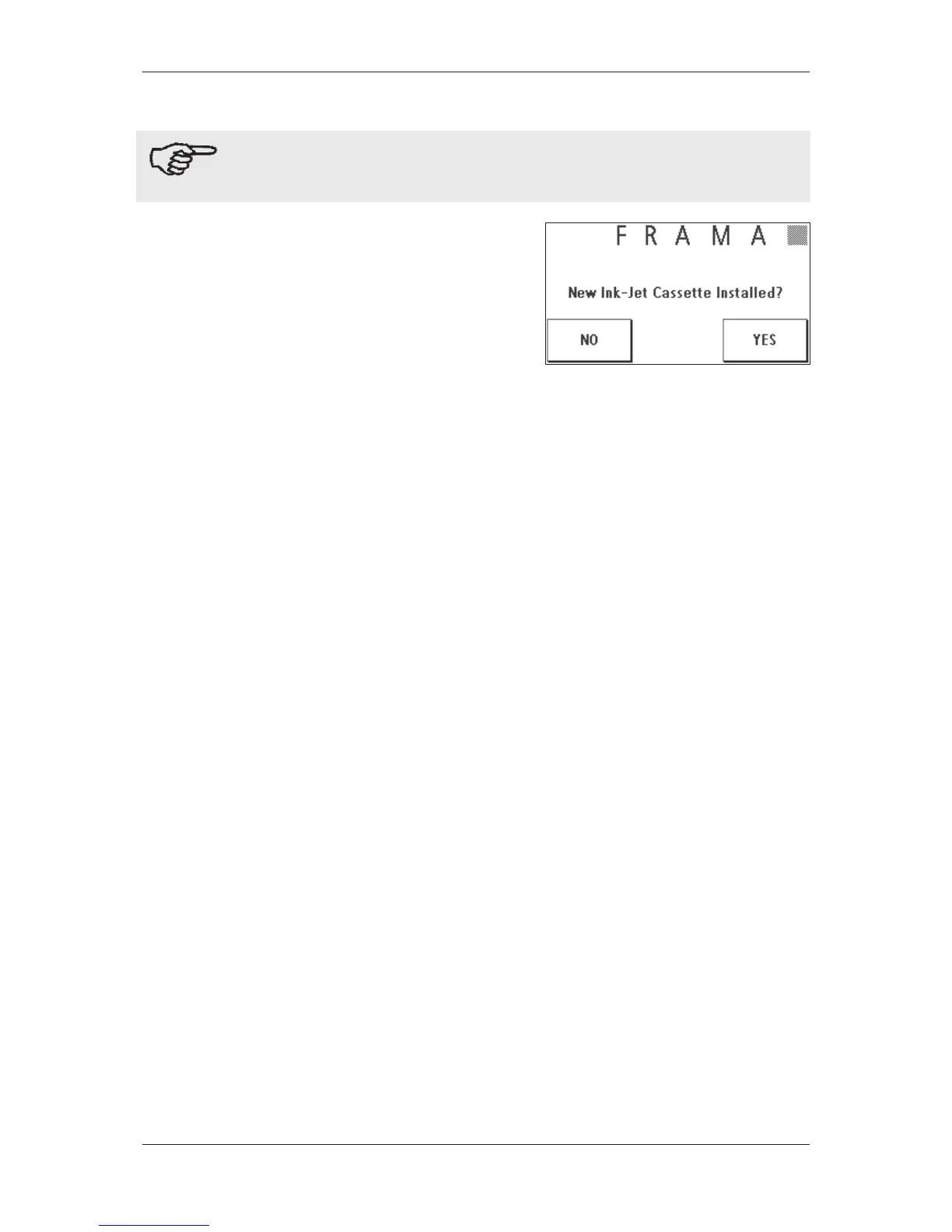
Press the Change Ink Jet Cassette key in the Main Menu and
confirm by pressing YES.
Open the top cover flap. Remove the ink jet cassette by
squeezing together the grip surfaces on the cassette and
pulling it out upwards.
Follow the instructions on page 25 to install and align the
new ink jet cassette and print head correctly.
5.6.4. Print alignment
Use this function to run the adjustment of the print quality for franking separately. Normally, alignment is
run as part of the configuration following a change of ink jet cassette.
5.6.5. Print h
ead new calibration
Rec
alibrate the print head (ink jet cassette) if the overall print quality is not satisfactory.



 To Next Page