Frama Matrix F12
35
6. Counter Readings
The various counters are described in section 4.2.1. General comments on cost centres from page 19
onwards.
7. Admin mode (settings)
Settings made in Admin mode always apply to all cost centres. Furthermore, it is only possible for you to
link up with the FramaOnline2 data centre when you are in Admin mode. The following explains in detail
the individual functions in Admin mode.
Tip
You can also make settings in each cost centre. However, when you do this not all the Admin
mode functions are available to you.
7.1. Setup 1 menu (CC and Admin)
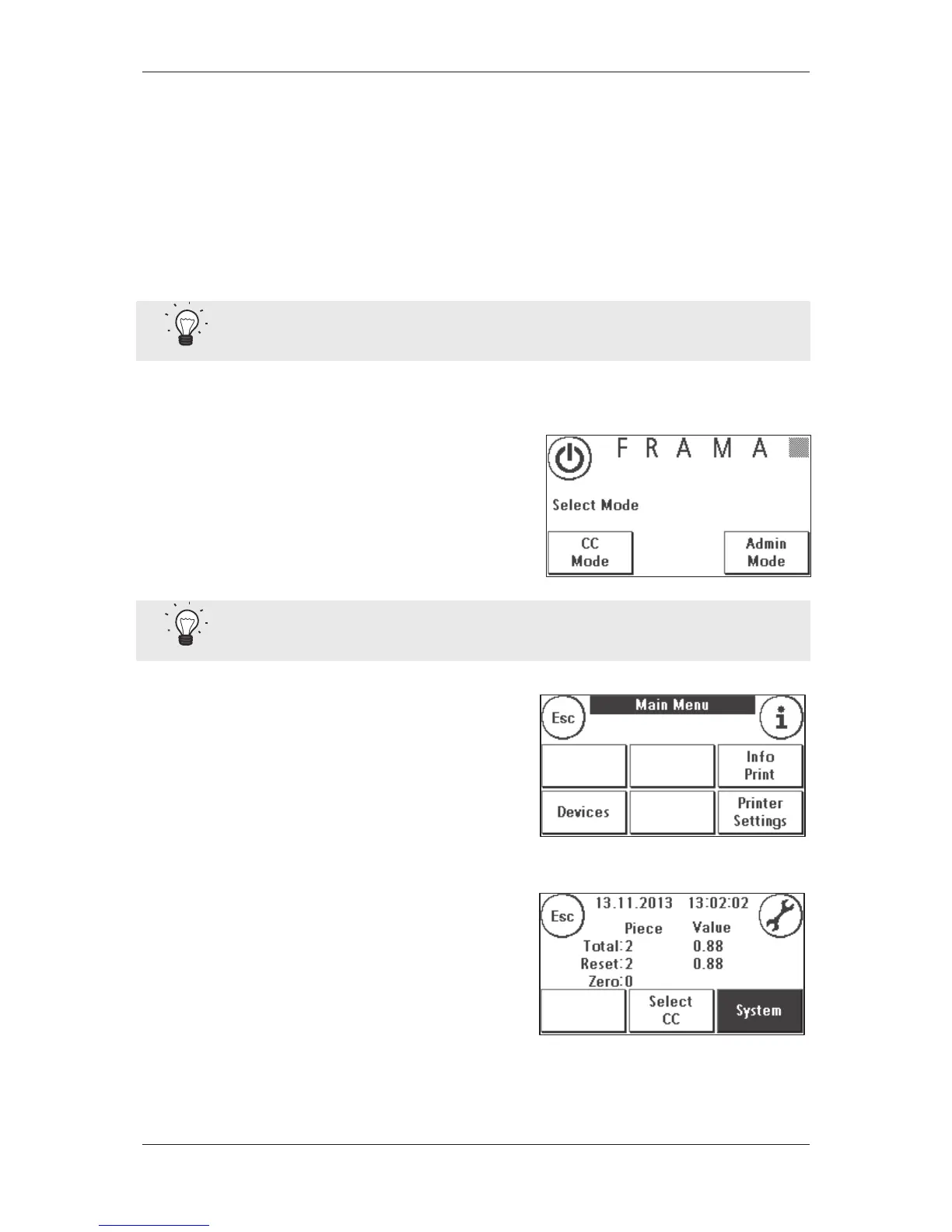
Proceed as follows to change the basic settings of your
Frama Matrix F12 franking system :
1. In mode selection, choose Admin.
2. Enter your PIN. Then press the ENTER key to get access
Admin mode.
Tip
Save the PIN for Admin mode in a safe place. The PIN can only be reset by a service technician at
your premises. This service is chargeable.
3. Press the ”i“ key
4. The total counter readings of each cost centre and the
system are displayed in this menu. Press Select CC to
choose a cost centre. Pressing System displays overall
counter readings.



 To Next Page