5
IV. Installation of the S600
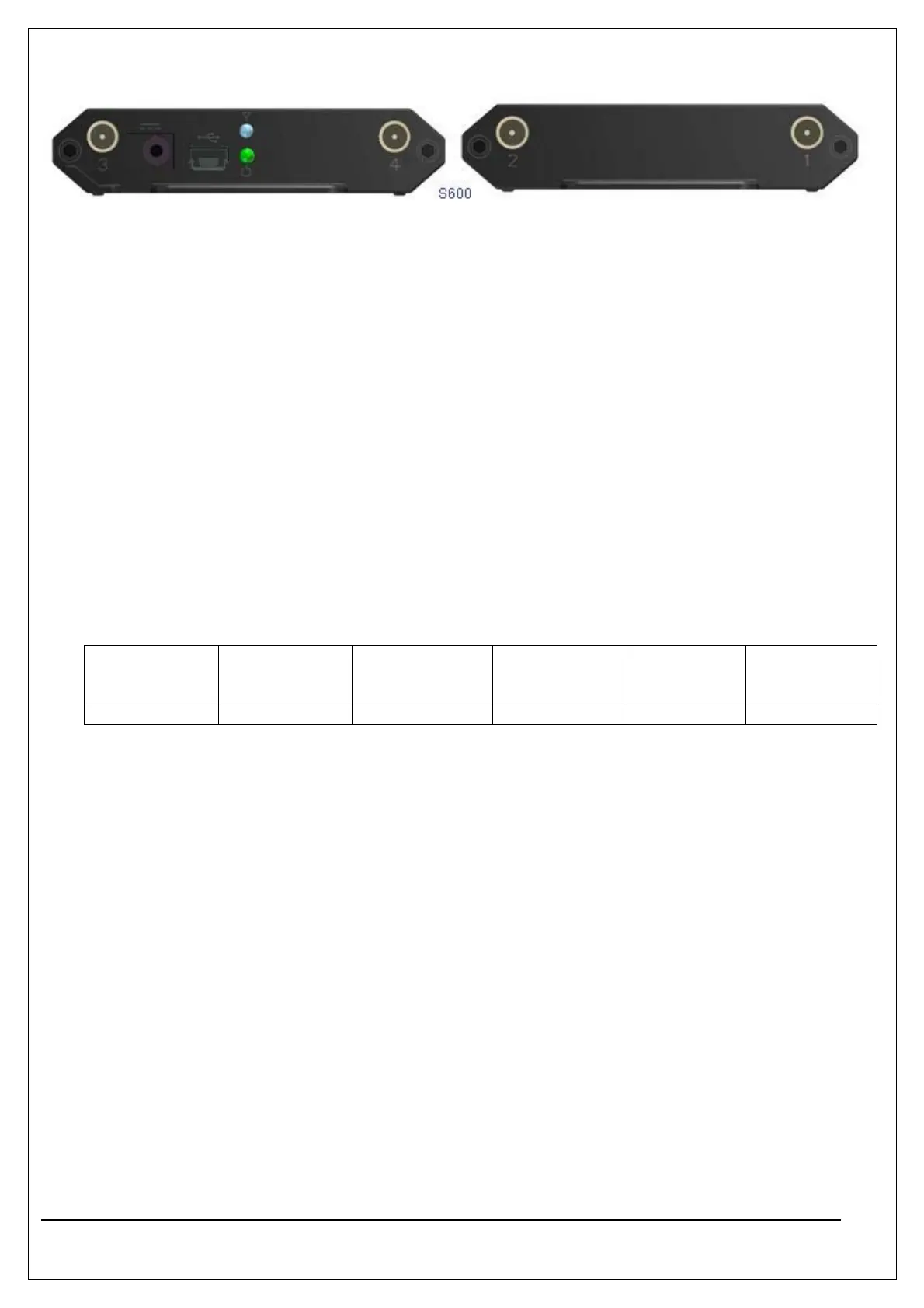
z Connect the devices and set up the test environment according to Figure-2 or Figure-3. Then
connect the S600 to the PC through a Micro-USB to Type A USB cable..
z When performing the wired connection test, connect the E5515C to the RF interface of the S600..
(For the connection method, see Figure-2 and Figure-3)
z When performing the wireless connection test, connect the antennas to the RF interface of the
S600 directly. (For the connection method, see Figure-4.)
V. LED indication of the S600
Green: H/W power indication
Blue: Indicate the state of the card.(M600)
VI. Material List
Model Device USB Y-Cable CDMA Main
antenna
CDMA
Aux/GPS
antenna
WiMAX
antenna
S600 1 EA 1 EA 1 EA 1 EA 2 EA



 To Previous Page