Franklin JEXtream – Performing a Factory Reset
Page 2 of 3
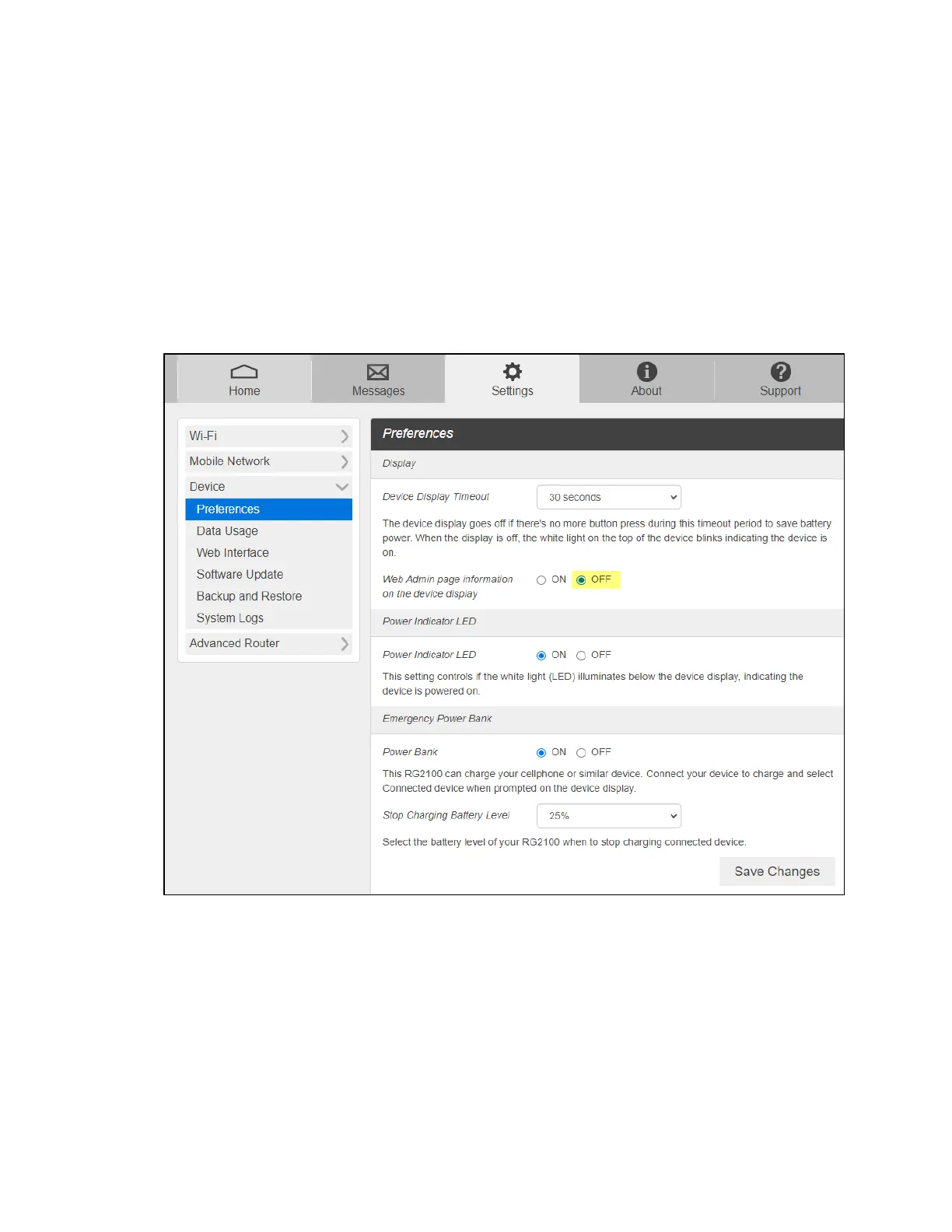
Update the Device Preferences
1. Under Display, there is the option to increase/decrease the amount of time the
device display will remain on. The default setting is 30-seconds.
NOTE: The longer the display is on, the greater the drain on the battery.
2. Turn OFF the option for “Web Admin page information on the device display”.
3. Select Save Changes in the bottom right corner.



 To Next Page