EasyManua.ls Logo

Franklin RT410 - Hotspot Device Display; Powering the Hotspot On;Off; Navigating Device Screens

Franklin RT410
20 pages
Print Icon
To Next Page IconTo Next Page
To Previous Page IconTo Previous Page
Loading...
Press for menu
Wi-Fi Name:
Franklin RT410 XXXX
Password:
XXXXXXXX
Settings & Info
http://mobile.hotspot
Wi-Fi Name display
Password display
Web Admin URL Guide
display
Back to Home screen
Press quickly
Press quickly
Press quickly
Press quickly
Hotspot Device Display
Power Up the Hotspot
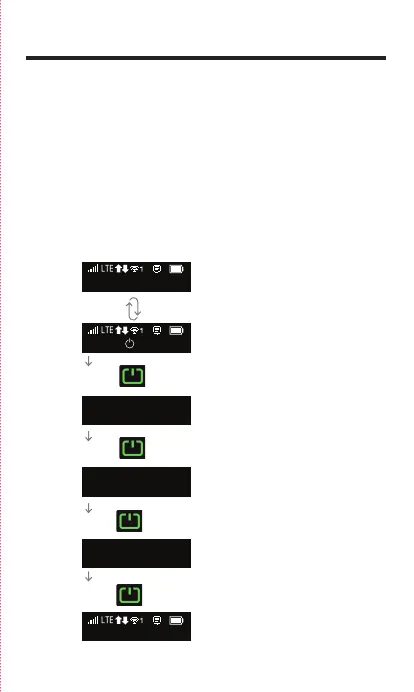
To turn your Hotspot on or off, press and hold the Power Button
on the bottom side of the device for at least two seconds.
Main Screens
Your Hotspot has a series of screens that let you view device
information and system alerts. Press the Power Button
(Navigation Key) to cycle through the following:
Home screen, Device
menu guide (switching
every 3 seconds)

Related product manuals