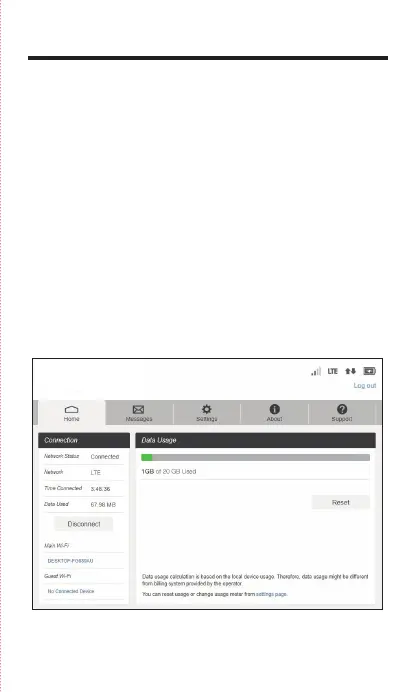
Web Admin Page
Welcome to your Mobile Hotspot
Access, monitor, and customize your device settings using the
Hotspot Web Admin Page.
Log In to the Hotspot Web Admin Page
1. Open a browser on a computer connected to your Mobile
Hotspot.
2. Navigate to http://mobile.hotspot
3. Enter your password and click Login. You'll be taken to the
Hotspot Web Admin home page.
Note: The default Admin password for logging into the
Mobile Hotspot Web Admin Page is 'admin' and must be
changed in order to proceed.



 To Next Page