4
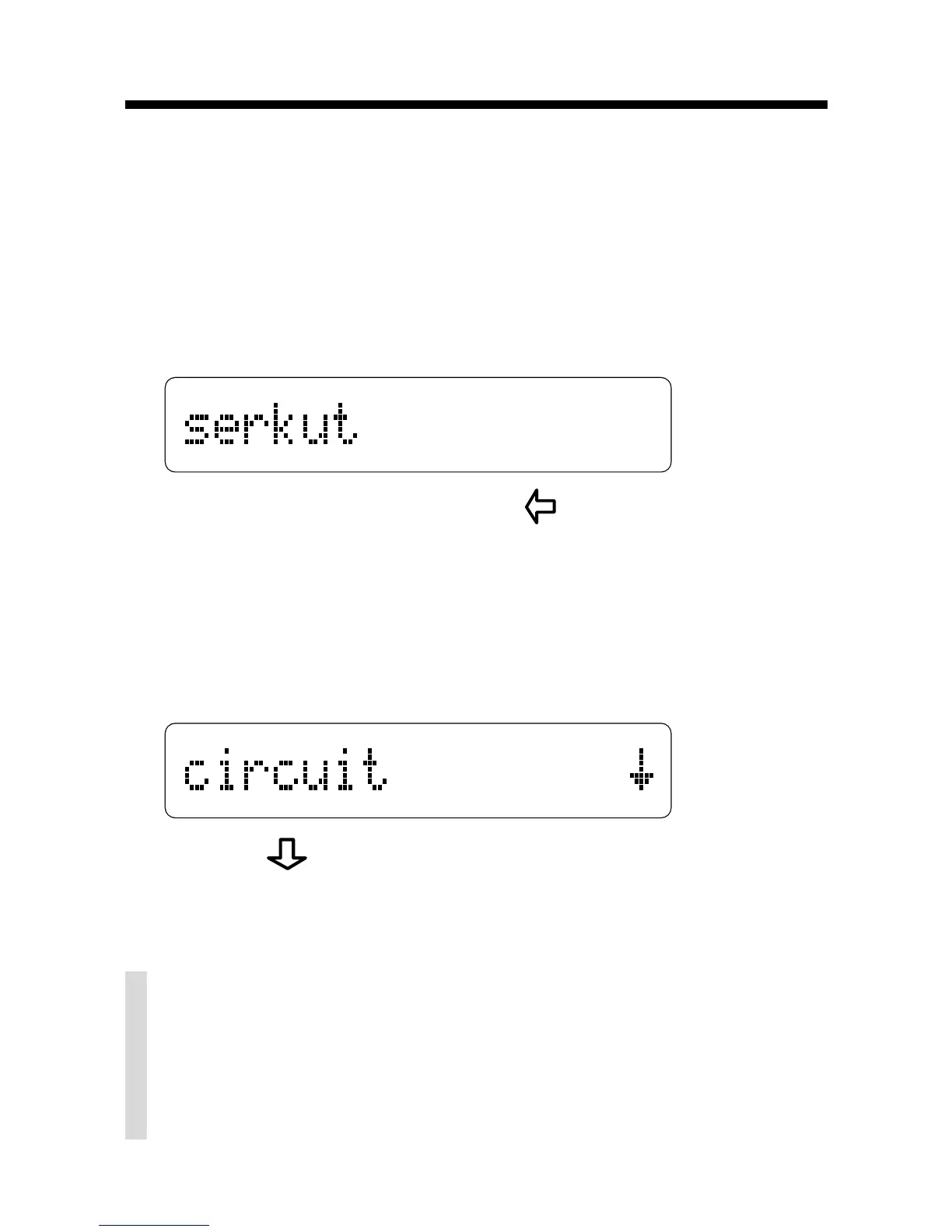
When you enter a misspelled word, a list of
corrections appears. When you enter a cor-
rectly spelled word, the word
appears with an
asterisk.
1. Type a word.
To erase a letter, press .
You cannot type capital letters, but Spelling
Ace displays capitals in corrections when
necessary.
2. Press ENTER.
3. Press repeatedly to view more words.
4. Press CLEAR when done.
Correcting Misspellings
✓ Just Follow the Arrows
The flashing arrows at the right of the
screen show which arrow keys you can
press to view more words.



 To Next Page