31
6.1. LED status indicator
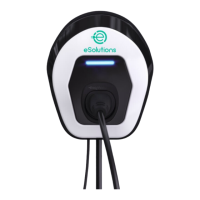
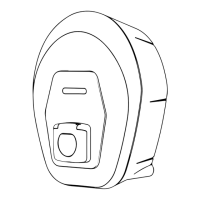
There is a strip of LEDs on the front of the charging station which combines
visual signals and alarms indicating the status of easyWallbox:
BLUE STAND-BY status,
easyWallbox indicates it is ready to start the charging process or
charging session is complete.
GREEN RECHARGING status,
easyWallbox is recharging the electrical vehicle.
FLASHING RED ALARM status,
easyWallbox is not charging due to an error.
easyWallbox self-restores from minor errors within a few seconds.
If it remains in ALARM status for a long time, please contact
assistance as explained in 11.


 To Next Page