18
FREECOM MOBILE HARD DRIVE
FREECOM DESKTOP HARD DRIVE
Partitioning your Freecom Mobile Hard Drive / Desktop Hard Drive
under Mac OS X
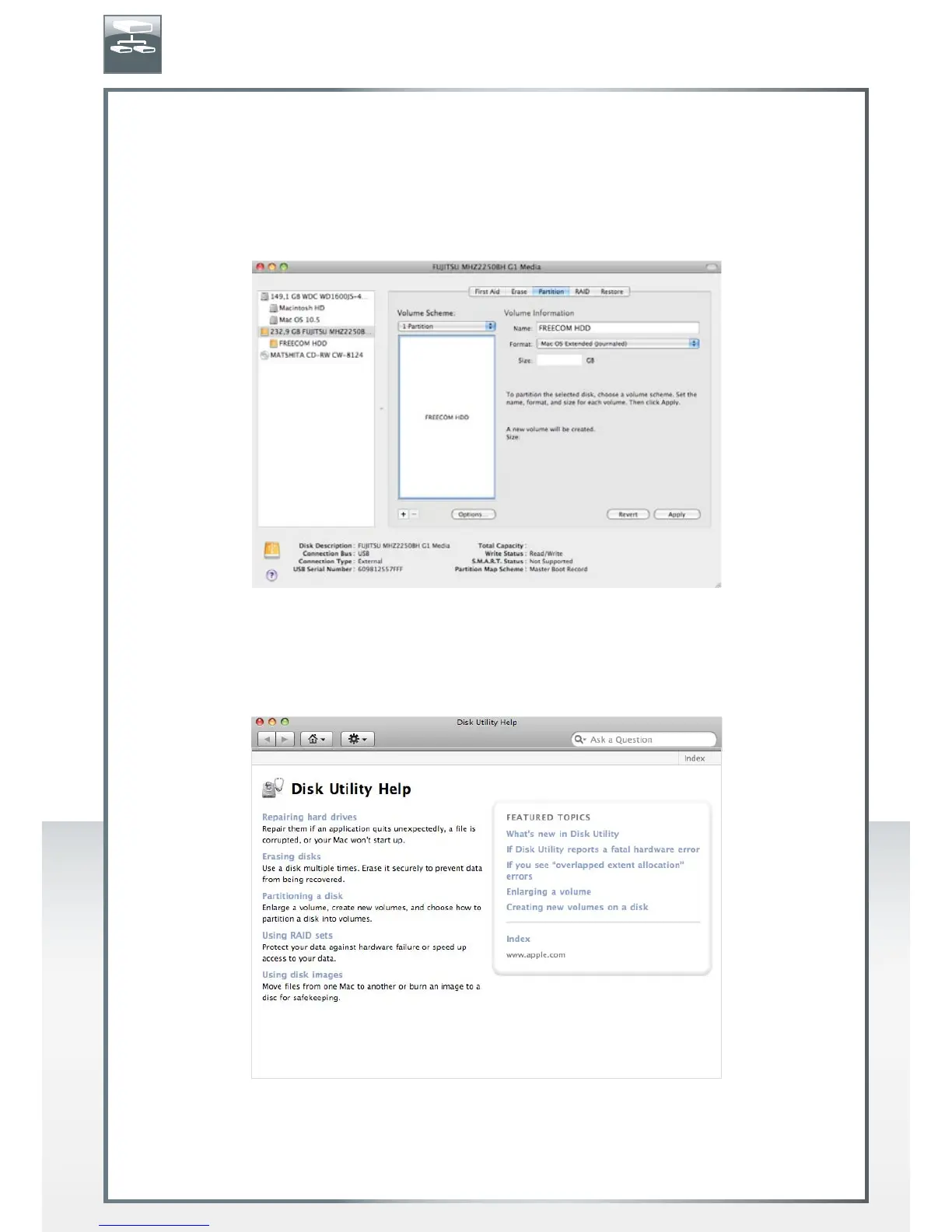
1. Open the "Disk Utility". This can be found in "Applications" —> "Utilities".
2. Click on the tab "Partition".
Here you can setup the partition settings and partition the drive according to your
settings (e.g. Mac OS Extended). Detailed information how to use the Disk Utility can
be found in the help:
EN











 To Next Page