6
FREECOM MOBILE HARD DRIVE
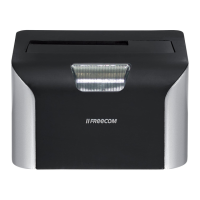
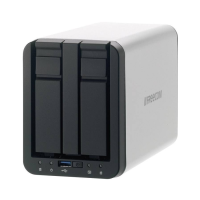
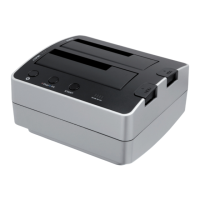
FREECOM DESKTOP HARD DRIVE
Freecom Mobile Hard Drive / Desktop Hard Drive
The hi-speed data transfer through the (e.g. USB, Firewire, eSATA, LAN) interface makes
it ideally suitable for data-storage, file sharing, backup, archiving, audio playback and
all applications that need fast file access.
For your convenience, the Freecom Mobile Hard Drive / Desktop Hard Drive has been
partitioned (1 partition) and pre-formatted (FAT32 file system). The FAT32 format ensures
maximum interchangeability of the Freecom Mobile Hard Drive / Desktop Hard Drive
between different computers. Should you choose to format the Freecom Mobile Hard
Drive / Desktop Hard Drive in another file system (e.g. NTFS), please be aware of possible
problems when connecting the Freecom Mobile Hard Drive / Desktop Hard Drive to another
computer than the one you used for formatting.
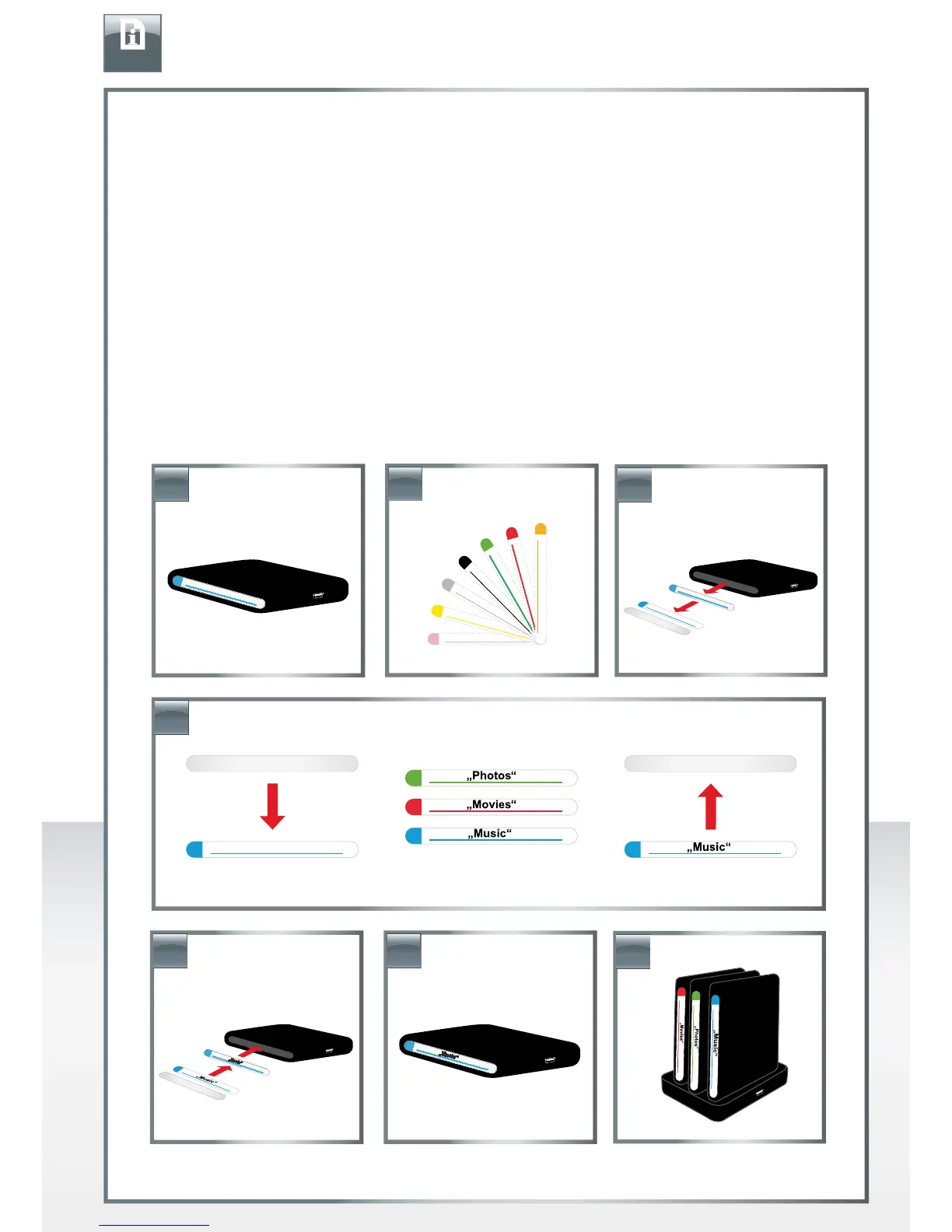
Individual look
EN
4.
3.
1.
2.
7.
5.
6.











 To Next Page