11
GB
1
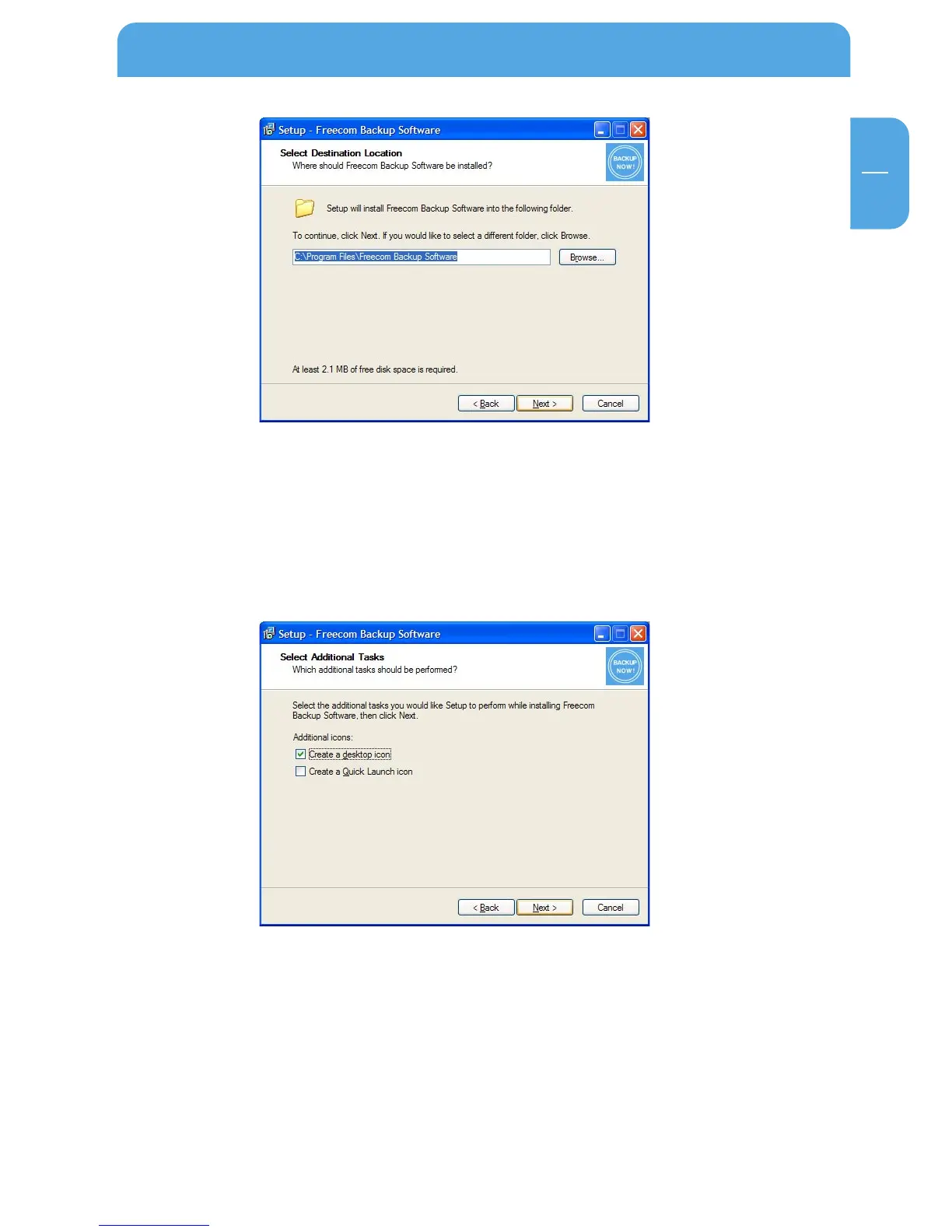
6. Click on "Next" to start the installation. All necessary program files are now written
to the hard disk of your computer.
7. In the last window, you are asked if you want to start Freecom Backup Software now.
If you want to create a backup of your data right away, click on "Finish". If you want
to start the software later, then remove the check mark at "Start Freecom Backup
Software" and then click on "Finish".
1.4 Uninstallation of the Freecom Backup Software
In order to remove the Freecom Backup Software from your computer, please proceed
as follows:
1. In the "Start" menu go to "Settings" – "Control Panel" – "Software".
2. Select the "Freecom Backup Software" entry and then click on "Remove". Acknowl-
edge that you really want to remove the software. The Freecom Backup Software is
now removed from your computer.
Installation of the Freecom software



 To Next Page