12
Freecom Mobile Drive
GB
2
For optimal performance, the Freecom Mobile Drive should always be
connected to a USB 2.0 port. The Freecom USB 2.0 PCI Host Controller
Card is available at www.freecom.com.
Chapter 2: Hardware Installation
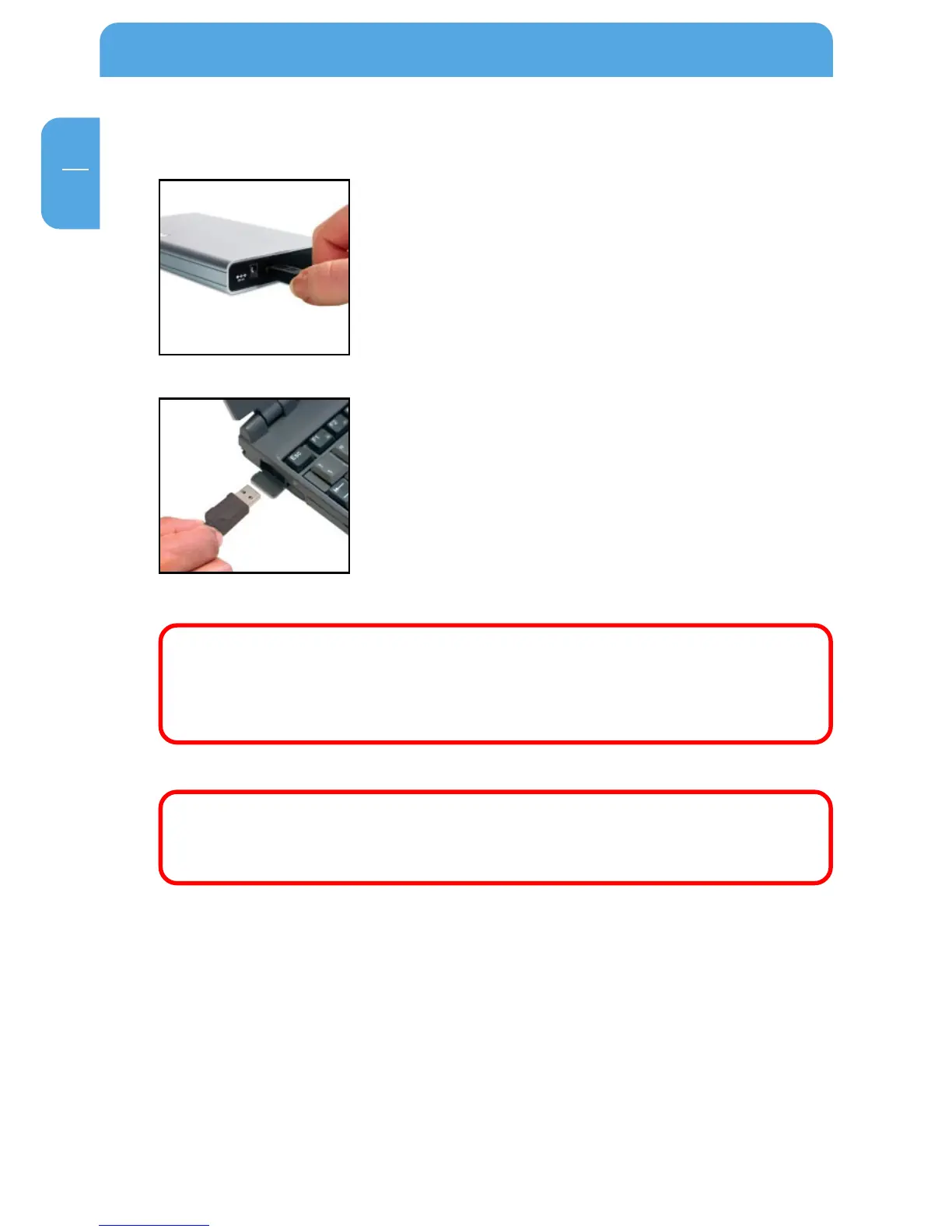
1. Connect the interface cable to the Freecom Freecom
Mobile Drive.
3. Connect the interface cable to the interface port of your
computer.
Since USB 2.0 is backwards compatible with USB 1.1, the Freecom Mobile Drive
can be connected to all USB ports. When connected to a USB 1.1 port, however,
the performance (data transfer rate) of the Freecom Mobile Drive will be much
lower than when the drive is connected to a USB 2.0 port.



 To Next Page