21
GB
5
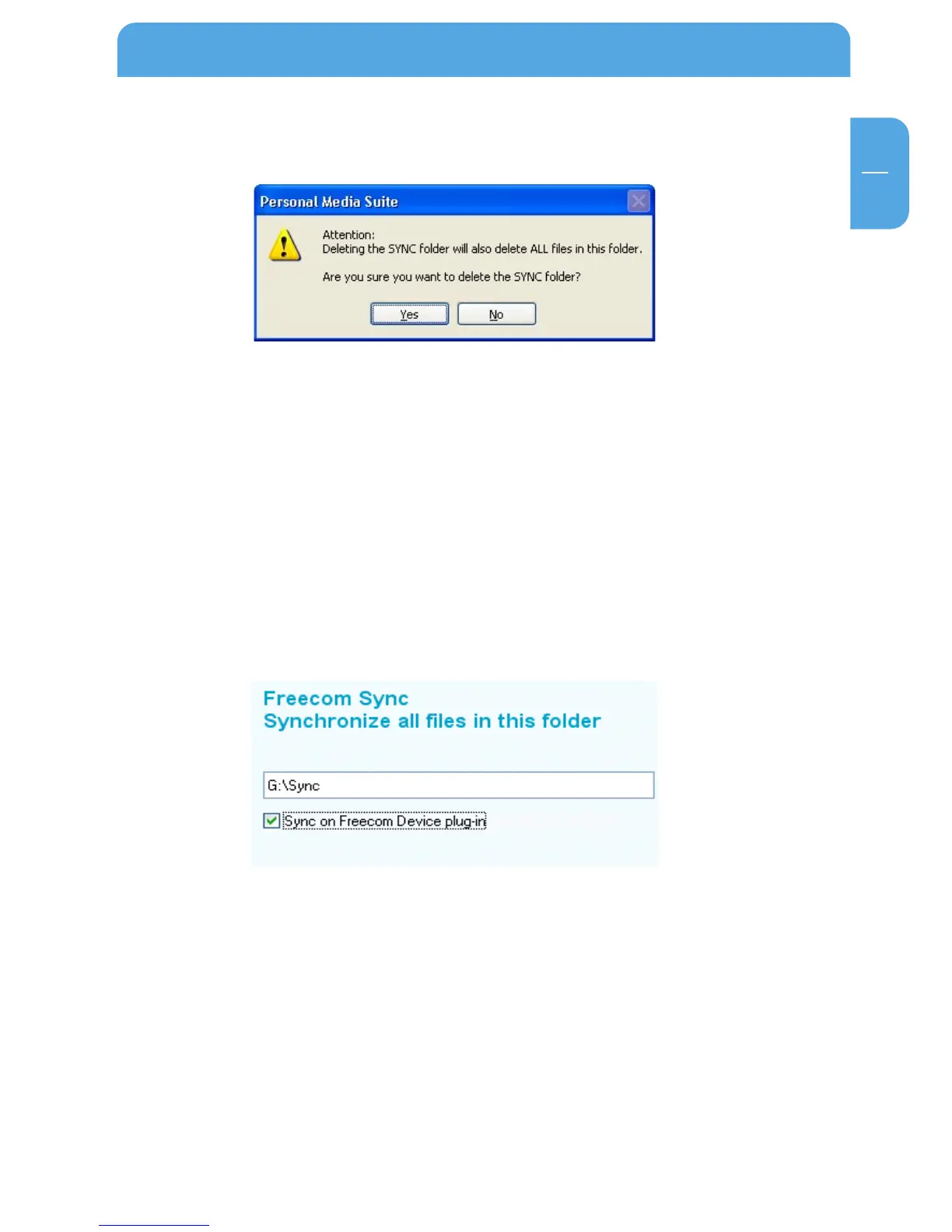
Before the deletion, a security request is carried out whether you really want to delete
the folder:
5.4.7 Synchronisation of files and folders
There are two possibilities for the synchronization of your files:
1. Synchronisation of the data when your Freecom Mobile Drive is connected to
your computer.
For this, please proceed as follows:
a) Open the Freecom Personal Media Suite and click on the tab "Freecom SYNC".
b)Select a SYNC folder if you have not yet done so.
c) Activate the function "Sync on Freecom USB device plug-in" in the tab "Freecom
SYNC":
Your files are now synchronized each time when you connect your Freecom Mobile
Drive to your computer (Freecom Personal Media Suite has to be started).
The User Interface of the Freecom Personal Media Suite



 To Next Page