29
GB
6
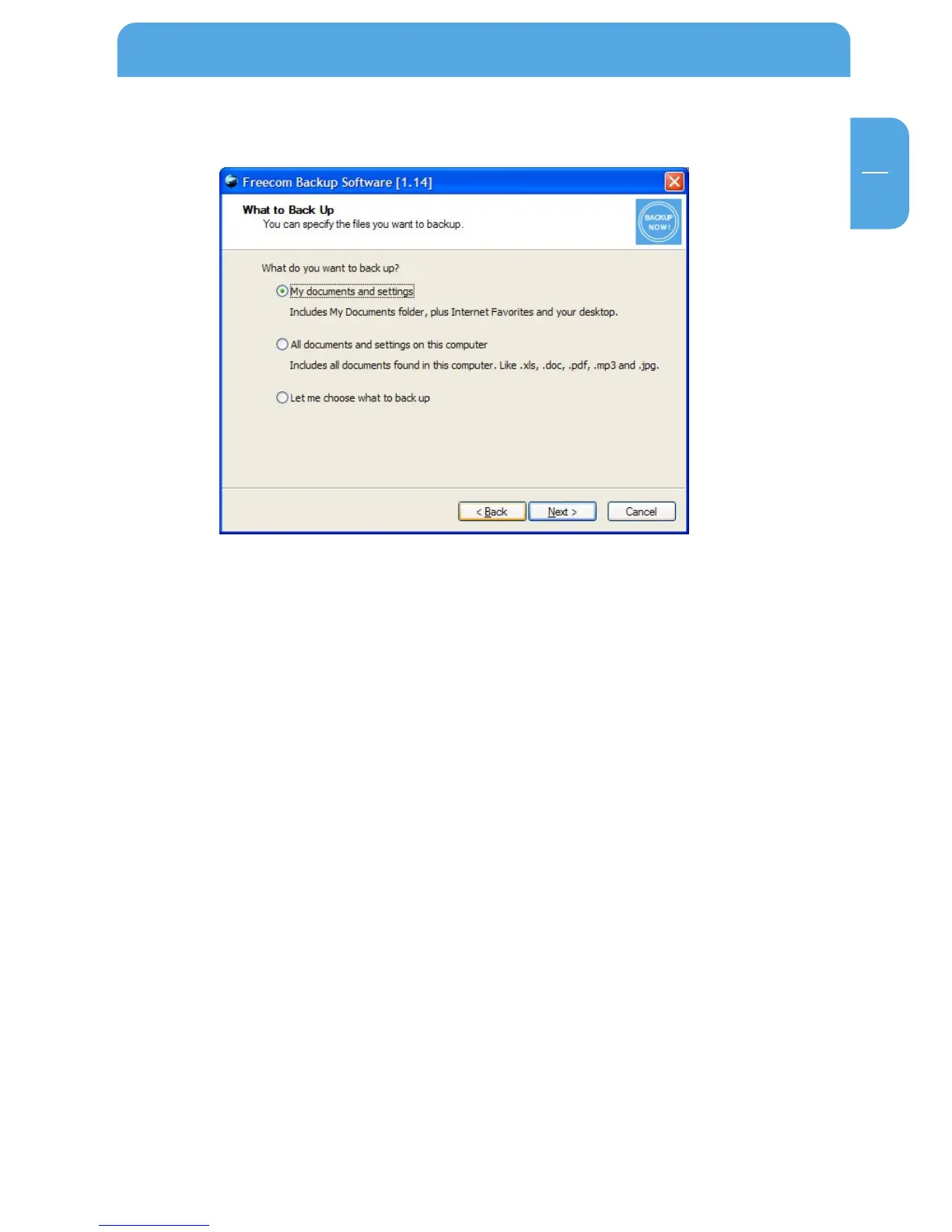
6.1.1 Selection of the files to back up
For selecting the files to be backed up, there are three different options available:
1. My documents and settings contains the "My Documents" folder, Internet Favour-
ites, as well as the desktop of the logged-in user.
2. All documents and settings on this computer backs up the files of all users on your
computer.
3. Let me choose what to back up gives you the possibility to carry out a user-specified
backup. You can select specifically which types of files and directories you want to
back up and which files should be excluded from the backup.
Using the Freecom Backup Software



 To Next Page